 Support us on Patreon
 PayPal
Valve have put out a fresh Proton Experimental upgrade for SteamOS / Linux systems, which thankfully includes a fix for the EA app breaking again. Only a few days ago Valve launched the new stable Proton 10.0-4, which Proton Experimental includes plus extra fixes not yet ready for everyone. See more on all the different Proton versions in the GamingOnLinux guide.
There were quite a lot of reports across social media, Reddit, and a few on Valve's official GitHub about various games published by EA (like Mass Effect) no longer launching due to issues with the EA app. This should now be solved with the latest update!
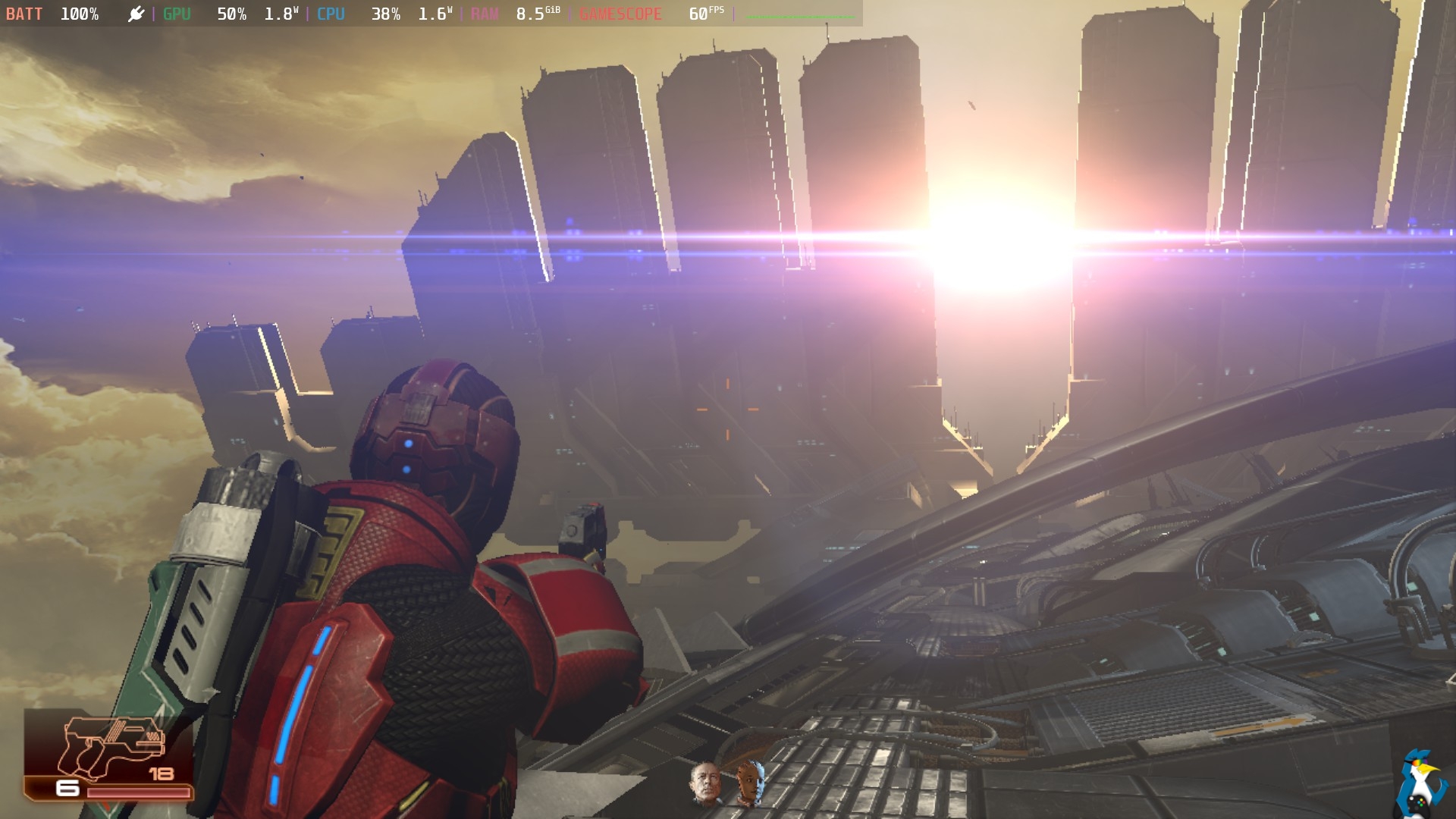
Pictured - Mass Effect on Steam Deck
Here's the main changes for the January 29th update:
- Fixed many EA games being uplayable after a recent EA Desktop update.
- Fixed The King of Fighters XIII Global Match freezing when playing videos from the gallery.
- Fixed lag spikes caused by Steam overlay being opened for prolonged time.
- Fixed Hollow Knight Beta update wrongly registering Steam Deck's Steam button as a left trigger.
- Fixed Proton 10 regressions:
- Fixed Disintegration getting stuck on the first loading screen.
Source: Valve GitHub
To use Proton Experimental, go into the game Properties and into the Compatibility menu. Tick the box at the top, then select Proton Experimental from the drop-down box that appears and it will be set for that specific game.
Just as a reminder - if you encounter issues with a game, you can add this as a launch option in the Properties menu:
PROTON_LOG=1 %command%
This will place a log file with the game's Steam ID in your /home folder after attempting to play it, which you can then pop into the official Valve Proton GitHub to report your problems.





See more from me


 You can also find comments for this article on social media:

Last edited by GoEsr on 30 Jan 2026 at 9:37 am UTC
 Gerarderloper 30 Jan 2026


Quoting: GerarderloperEA just going to keep breaking this shit. Their like Bethesda, every update MUST break compatibility! Like its the whole goal of the updates to begin with!Expect it to get worse with time, with vibe coding and all...
 benstor214 30 Jan 2026
Quoting: GerarderloperEA just going to keep breaking this shit. Their like Bethesda, every update MUST break compatibility! Like its the whole goal of the updates to begin with!It certainly feels like it, does it? There surely is a consistency of these updates breaking compatibility.
 How to setup OpenMW for modern Morrowind on Linux / SteamOS and Steam Deck
 How to install Hollow Knight: Silksong mods on Linux, SteamOS and Steam Deck