 Support us on Patreon
 PayPal
Valve just launched their latest upgrade for Proton Experimental to get as many Windows games as possible running on Linux / SteamOS. This update rolled out on December 9th and in case you missed it Valve also recently release the huge Proton 10 update.
Noted to be now playable as of this update:
- Girls' Frontline.
- Modules.
- Distant Worlds 2.
- Chronology.
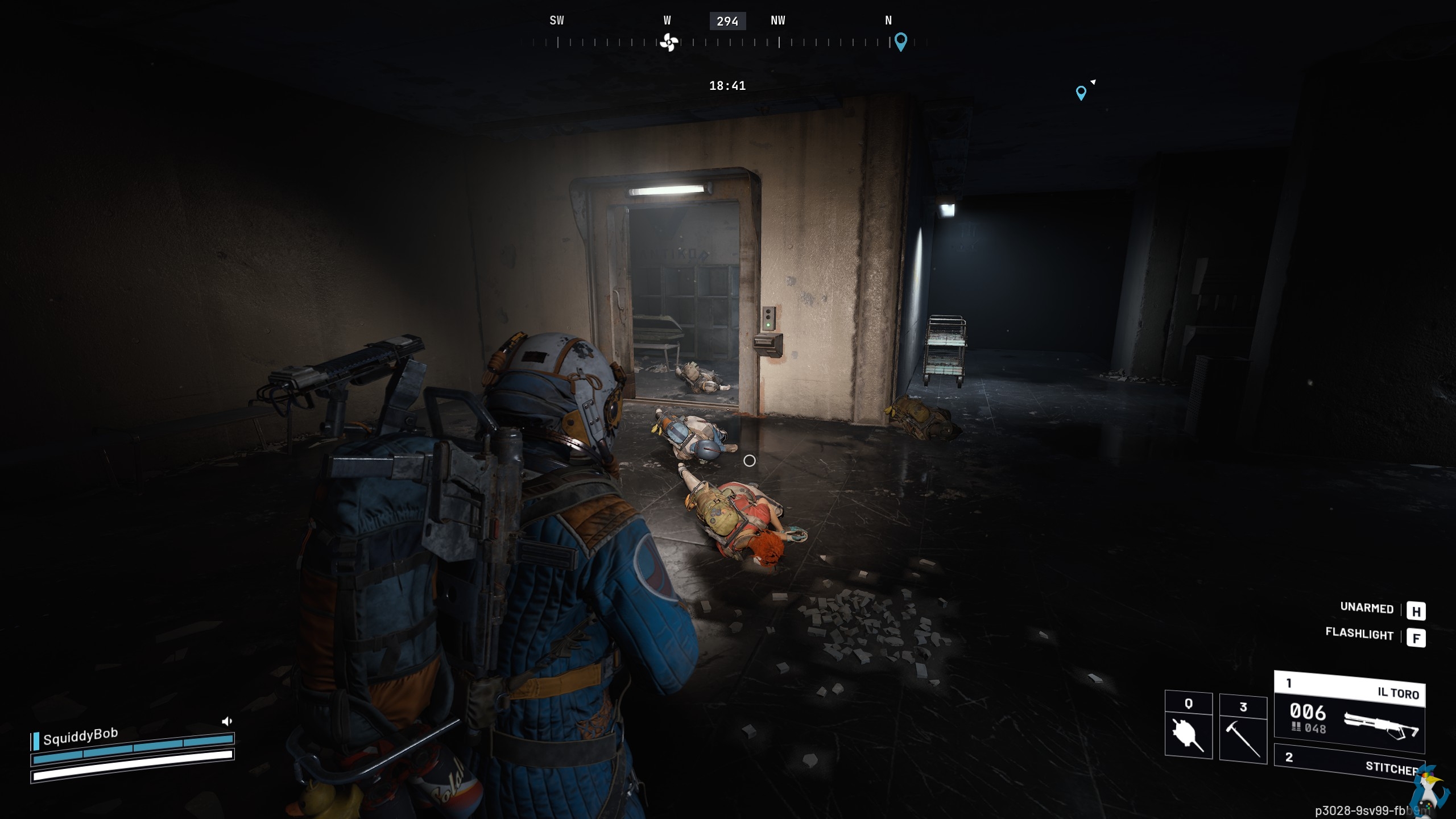
Pictured - ARC Raiders on Desktop Linux with Proton
The rest of the fixes for this release:
- Fixed Mystery Manor: Hidden Objects not displaying anything on gamescope.
- Fixed broken account switching in Crystal of Atlan with gamescope.
- Fixed Adventures Of Fluzz wrongly displaying "No Device" window which made game unplayable with gamescope.
- Fixed in-game browser in Figmin XR.
- Fixed music playback in Transcendence.
- Fixed black blocks in dialog windows created by ARC Raiders and The Finals.
- Fixed Revolver360 Re:Actor crashing on keyboard input.
- Fixed text input in Secrets of Grindea.
- Updated Wine Mono to 10.4.0.
Source: GitHub
How do you actually get it? The update will show up in your Steam Downloads for Proton Experimental if you have it installed already. Otherwise, it will automatically download if you go to play a game that Valve has set for Proton Experimental by default. Or, you can manually search for Proton Experimental in your Steam Library to install it and try it on some games. See all the details on the different Proton versions in the GamingOnLinux Guide.





See more from me


 You can also find comments for this article on social media:
  fenglengshun 10 Dec 2025
 How to setup OpenMW for modern Morrowind on Linux / SteamOS and Steam Deck
 How to install Hollow Knight: Silksong mods on Linux, SteamOS and Steam Deck