A nice move by Valve to improve the modding scene - as mods on the Steam Workshop can now support multiple game versions.
There's a little work required by both game developers and modders to get it all to work together, but the system sounds quite nice. Might mean in future, eventually anyway, we'll see less compatibility issues when developers put out big updates to their games. Valve put up two separate blog posts on it across Steamworks and Steam Workshop to cover all the details, and they have a new documentation page to cover it.
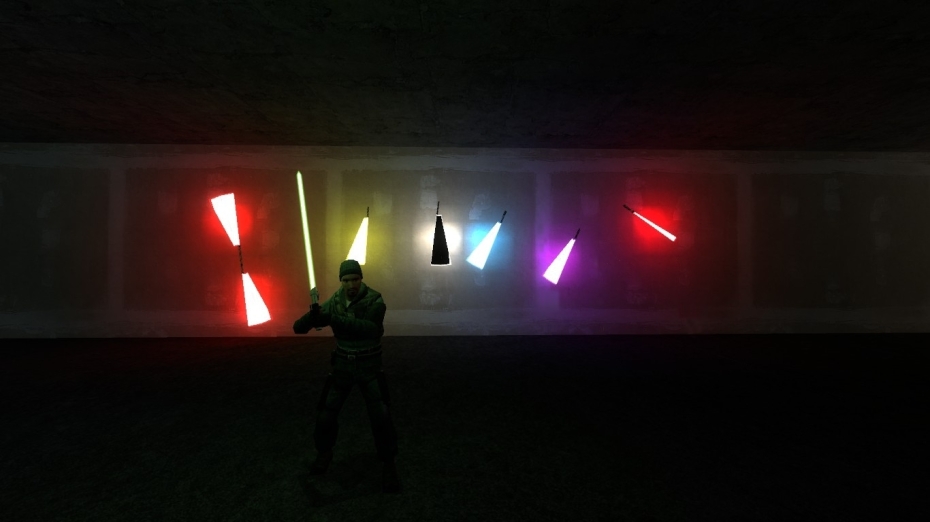
Pictured - Star Wars Lightsabers mod for Garry's Mod
For game developers, they need to actually keep around old versions of their games for it to work. While the Steam Workshop already had version history available for mods, so Valve expanded this to allow multiple versions of the same mod to work for different game versions. As noted in one of their posts on how it works:
For game developers:
- Start by organizing your game builds within Steamworks, setting and keeping a deliberate order to your past versions of your game.
- On the Workshop configuration page for your game, select Enable Game Branch Versions under Miscellaneous Features.
- Optional if you have built your own in-game browser for the Workshop:
- After creating a query and getting the results, you can call GetNumSupportedGameVersions() and GetSupportedGameVersionData() to get data to display to users.
- Optional when uploading or updating a Workshop item:
- Use The Steamworks API ISteamApps to check which version of your game the current user is on.
- Allow the user to choose which game version(s) their item works with, and then call SetRequiredGameVersions() as appropriate. You can retrieve the available game versions using the Steam API functions GetNumBetas and GetBetaInfo via the ISteamApps interface.
For Steam Workshop mod authors:
- Multiple versions of the same mod can be uploaded under the same Workshop item
- Each version of the mod, can be tagged with supporting one or more game versions
- If you know your mod is simple and won't likely depend on game version, you can just mark it as supporting all versions of the game
- All of this can be done on your item's Workshop page under Change Notes. The game may optionally allow you to do this when you upload or update your item.





See more from me
 You can also find comments for this article on social media:
  Philadelphus 8 Jan 2026

 Arehandoro 9 Jan 2026

 Patreon
 PayPal