 Support us on Patreon
 PayPal
Valve have released a new update to Proton Experimental, their testing ground for getting more Windows games running on Linux / SteamOS systems. Since there's a few different versions of Proton it's easy to get confused, so check out what they're for in the GamingOnLinux guide.
For the February 11th update here's what's changed:
- Now playable: Metal Fatigue.
- Updated Xalia to 0.4.7:
- Fixed Xalia wrongly selecting option from unfocused tabs in Rayman: Raving Rabbids.
- Added controller support for DirectX Runtime Components installer when launching BioShock for the first time.
- Added controller support for launchers of the following games: Rocket Knight, Puddle, Zero Escape: The Nonary Games, Metal Slug XX, Mortal Kombat Komplete Edition, Disney Epic Mickey 2: The Power of Two, Batman: Arkham Asylum GOTY, LocoCycle, Ys SEVEN.
- Fixed Experimental regression that made Tom Clancy's Ghost Recon Wildlands unplayable.
- Fixed controller hotplug not working for 8BitDo Ultimate 2C and other controllers that expose multiple HID devices.
- Fixed Sea of Solitude showing black screen on Proton.
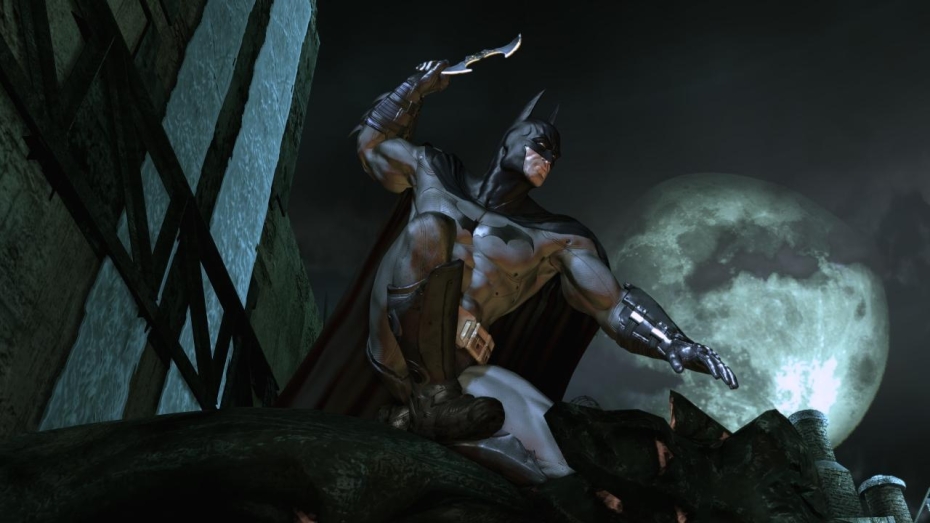
Pictured - Batman: Arkham Asylum Game of the Year Edition
If you already have it downloaded, it will just show as an update in your Steam Downloads, otherwise you can search for it to install it manually. To use Proton Experimental, go into the game Properties and into the Compatibility menu. Tick the box at the top, then select Proton Experimental from the drop-down box that appears and it will be set for that specific game.
Source: Valve GitHub





See more from me


 You can also find comments for this article on social media:
  fenglengshun 12 Feb 2026
 How to setup OpenMW for modern Morrowind on Linux / SteamOS and Steam Deck
 How to install Hollow Knight: Silksong mods on Linux, SteamOS and Steam Deck