While you're here, please consider supporting GamingOnLinux on:
Reward Tiers: Patreon. Plain Donations:
  PayPal.
This ensures all of our main content remains totally free for everyone! Patreon supporters can also remove all adverts and sponsors! Supporting us helps bring good, fresh content. Without your continued support, we simply could not continue!
You can find even more ways to support us on this dedicated page any time. If you already are, thank you!
Reward Tiers:
Patreon. Plain Donations: PayPal.This ensures all of our main content remains totally free for everyone! Patreon supporters can also remove all adverts and sponsors! Supporting us helps bring good, fresh content. Without your continued support, we simply could not continue!
You can find even more ways to support us on this dedicated page any time. If you already are, thank you!
Login / Register
- The "video game preservation service" Myrient is shutting down in March
- Discord delay global rollout of age verification to improve transparency and add more options
- Firefox 148.0 arrives with AI controls
- FINAL FANTASY VII arrives on GOG with a new edition live on Steam too
- SpaghettiKart the Mario Kart 64 fan-made PC port gets a big upgrade
- > See more over 30 days here
 How to setup OpenMW for modern Morrowind on Linux / SteamOS and Steam Deck
 How to install Hollow Knight: Silksong mods on Linux, SteamOS and Steam Deck
- steam overlay performance monitor - issues
- Xpander - Nacon under financial troubles... no new WRC game (?)
- Xpander - Establishing root of ownership for Steam account
- Nonjuffo - Total Noob general questions about gaming and squeezing every oun…
- GustyGhost - Looking for Linux MMORPG sandbox players (Open Source–friendly …
- Jarmer - See more posts
The forest works but there is annoying mouse issue and closing the game causes crashing.
DOOM 2016 starts but keeps stopping in error: cannot find default.cfg
Actually I like this Proton, no need to do separate prefixes for Steam games on Lutris.
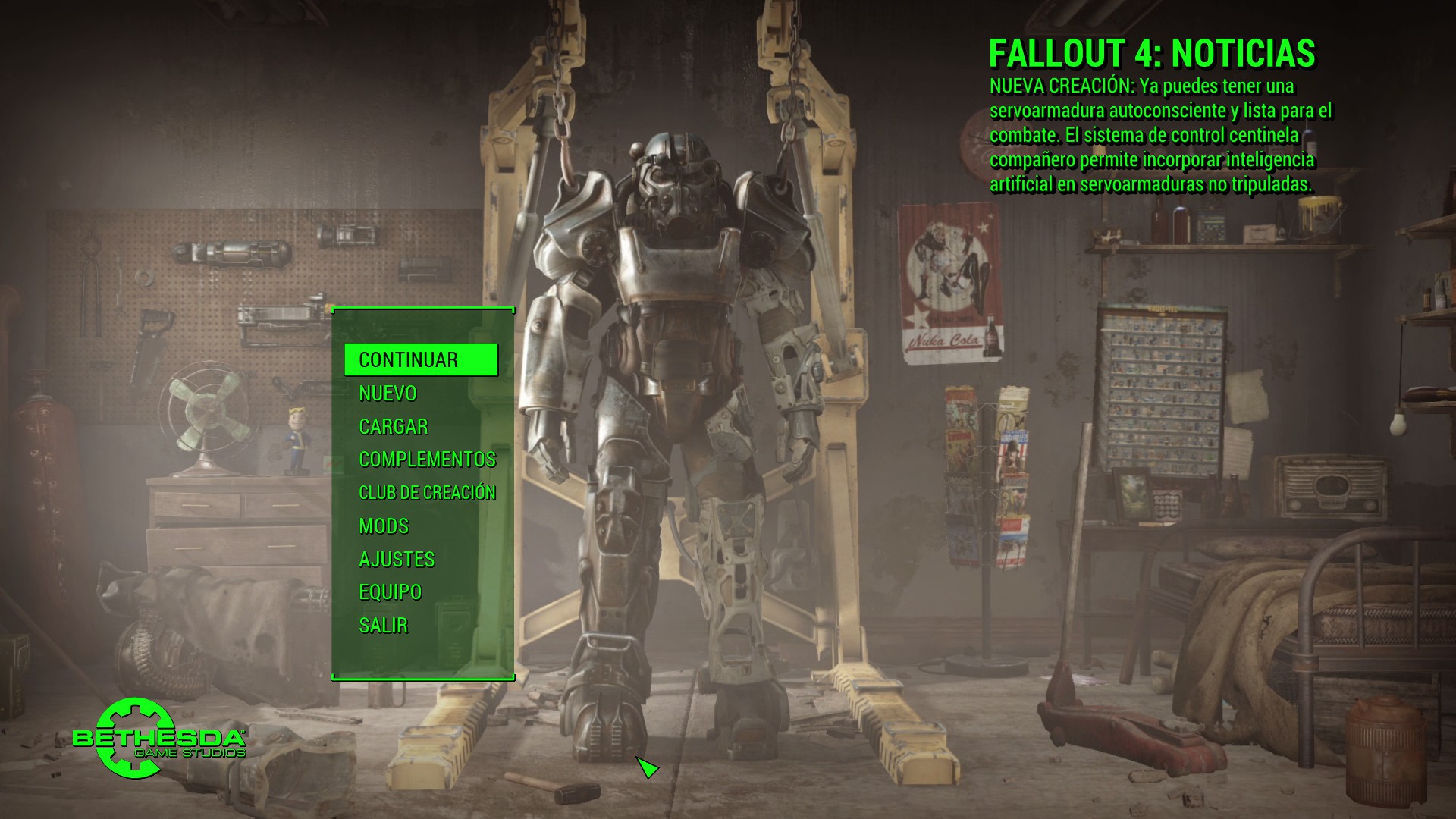
Next I'm gonna try Fallout 4 and so on.
We need a sticky post somewhere with clear & idiot proof instructions on how to use Winetricks with Proton, I've tried & screwed it up so badly I had to remove Proton & force steam to reinstall it.
Read on compability sheet that someone bypassing the launcher. I'm trying it and working well by Linux standard. Here's my notes posted there (probably tommorow they'll update the sheets).
- Borderlands
[Video](https://www.youtube.com/watch?v=oJVSvfoudBk)Game runs out of the box. I didn't have any issue.
- Dishonored
[Video](https://www.youtube.com/watch?v=3r4cBgx8Bzw)Also runs out of the box without any issue.
- Mass Effect
[Video](https://www.youtube.com/watch?v=zH3-s7idvuw)This one needs a quick fix for audio but other than that no issues. Refer to [here](https://www.youtube.com/redirect?q=https%3A%2F%2Fgithub.com%2FValveSoftware%2FProton%2Fissues%2F177&v=zH3-s7idvuw&redir_token=1FMYbvQF3J8GEnIIBaaPO9CusYd8MTUzNjA1MDI0N0AxNTM1OTYzODQ3&event=video_description) for the fix.
- Mass Effect 2
[Video](https://www.youtube.com/watch?v=3NaiaBITCKo)This one did not need sound fix and worked out of the box for me.
1. Prove
2. Shocking FPS... IDK if this game is running on Vulkan or not. Never drops 30 fps at default graphics setting which max setting.
So, that's concluded my update on The Sims 3 for now. Any weird bug occurs, I will tell it here. Enjoy Steam Play my fellow Linux gamers...
First game I tried was *Original War*. It's a game I love from mu childhood and it run perfectly. So far I've managed to finish 2 missions, but I am going to beat whole US campaign.
Second game was GTA IV. It didn't run. I couldn't find proton logs (now I know there is a var I can set to specify logs location) but the game just didn't start.
Unfortunately I tried 2 other R* titles - L.A. Noire and Max Payne 3. Same result.
Bioshock, Bioshock 2 - same result.
Also same result with Bathman Arkham Asylum and Arkham City. Arkham Origins started and I was in play mode, however my GT540m didn't manage to offer smooth game experience.
I've tried DIRT 3: Complete Edition. This is a game I've finished on Wine 1.7.43 with dualshock 4. Unfortunately on Proton 4 times it didn't start. On 5th try it started, but experience wasn't smooth.
Then I run Mortal Kombat Komplete Edition. Auto setup froze, so I've modified ini file. I entered the game, it worked but it wasn't smooth, even on lowest resolution (it was smooth on Windows).
Last game - Deus Ex Human Revolution (basic, not director's cut). Game started, a lot of stuttering, that info about regedit didn't solve it. What's more it was unplayable, as I wasn't able to move mouse and press a key on keyboard at the same time.
My rig: i5 2410m, 10GB RAM, gt540m, Ubuntu 17.10.
I aim to update my rig, however for now it looks like people with cards, that do not support Vulkan won't be able to enjoy a lot of Proton.
Anyway, Steam play is a very good step forward from Valve. Can't wait a day, when Valve officialy supports on Linux:
- Witcher 3,
- GTA V,
- Fallout 4,
- Street Fighter V,
- Tekken 7.
And what is important - it looks like it's more like weeks / months than years. Steam play is not there for typical gamer, but I believe it will be there in 2019.
I'm gonna try the same game, but with a modest i3 4160 and a GTX 750ti
It loads.. 
But it has problems with the mouse and the sound..
It seems there is a workaround for the sound problem with setting xaudio2_7 (native,builtin)
Update!
It is necessary to edit the file user.reg that is inside compatdata/377160/pfx/ and add the entry
"xaudio2_7"="native,builtin"inside[Software\\Wine\\DllOverrides]This is the part inside user.reg where You have to look:
[Software\\Wine\\DllOverrides] 1535035836#time=1d43af0a6778600
"api-ms-win-crt-conio-l1-1-0"="native,builtin"
"api-ms-win-crt-heap-l1-1-0"="native,builtin"
"api-ms-win-crt-locale-l1-1-0"="native,builtin"
"api-ms-win-crt-math-l1-1-0"="native,builtin"
"api-ms-win-crt-runtime-l1-1-0"="native,builtin"
"api-ms-win-crt-stdio-l1-1-0"="native,builtin"
"api-ms-win-crt-time-l1-1-0"="native,builtin"
"atl100"="native,builtin"
"atl110"="native,builtin"
"atl120"="native,builtin"
"atl140"="native,builtin"
"concrt140"="native,builtin"
"msvcp100"="native,builtin"
"msvcp110"="native,builtin"
"msvcp120"="native,builtin"
"msvcp140"="native,builtin"
"msvcr100"="native,builtin"
"msvcr110"="native,builtin"
"msvcr120"="native,builtin"
"msvcr140"="native,builtin"
"ucrtbase"="native,builtin"
"vcomp100"="native,builtin"
"vcomp110"="native,builtin"
"vcomp120"="native,builtin"
"vcomp140"="native,builtin"
"vcruntime140"="native,builtin"
"xaudio2_7"="native,builtin"
Besides the mouse problem, The game has SOLID FRAME RATE on the PC of my GOL profile
It run, but with bad performance...maybe there is a trick for to improve it.



https://github.com/ValveSoftware/Proton/issues/753
- BioShock Remastered
[Video](https://www.youtube.com/watch?v=32rGaieKF_k)I needed to add " PROTON_NO_ESYNC=1 %command% " launch option to fix blurry textures an stuttering. Other than that no issues so far.
- FlatOut
[Video](https://www.youtube.com/watch?v=ZW_IV-rVY6Q)Runs out of the box. No issues.
- FlatOut 2
[Video](https://www.youtube.com/watch?v=sjz3Wlou2ls)Also runs out of the box without any issues. Highly recommend FlatOut games, they are really fun and impressive when you consider their age.