 Support us on Patreon
 PayPal
The community-made compatibility layer Proton-CachyOS has a new release out with more advancements for running Windows games on Linux / SteamOS.
Since Valve's Proton is open source, anyone can spin their own version of it. Confused? Check out the GamingOnLinux Guide to all the different Proton versions. Proton-CachyOS includes a lot of extras on top of Valve's Proton, based on their testing code and various patches (so in some ways it can be more unstable). You don't need to be using CachyOS for it either.
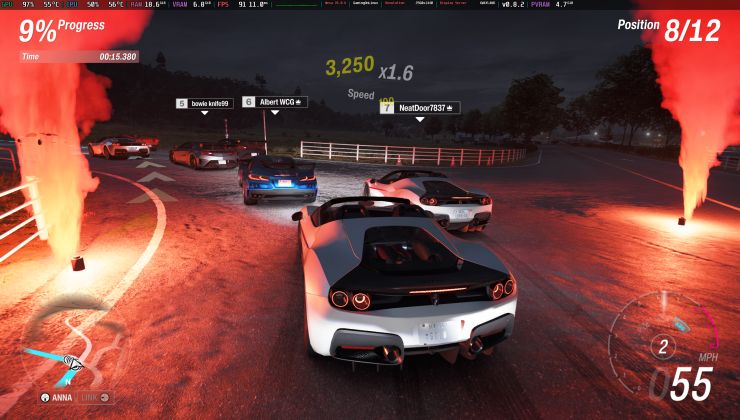
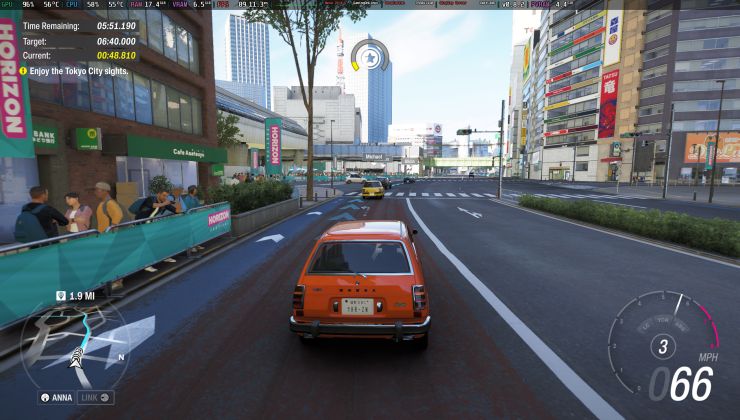
A big one for this update is automatic HDR detection and enablement. No more needing to use various launch options across different games.
Proton-CachyOS version 11.0-20260601 full changelog:
- Updated to Proton Experimental 11.0-20260529
- Imported a lot of
winewayland.drvimprovements from Proton-EM. Thanks to @Etaash-mathamsetty
- Implement xdg-popup for unmanaged windows with an owner.
- Fixed race condition with first frame of server side decorations.
- Implemented client surface reparenting for unmanaged window role transition.
- Fixed winewayland being broken on wow64 due to a regression. Issues: #200, #208
- Fixed key release with focus loss with keyboard hooks.
- Fixed ensure window contents and NtUserExposeWindowSurface.
- Fixed some cases of division by zero.
- Enabled automatic HDR detection/enablement. In case you need to disable it for any reason, you can set
DXVK_NO_HDR=1. Thanks to @Etaash-mathamsetty- Fixed an issue with videos in Mega Man Legacy Collection 2 that would cause the game to hang. Thanks to @NelloKudo. Issue: #211
- Fixed an issue with videos in The Legend of Heroes - Trails in the Sky FC that caused them to be upside-down. Thanks to @NelloKudo. Issue: #199
- Fixed an issue with videos in Unravel and Unravel Two that caused the games to crash. Thanks to @NelloKudo. Issue: #161
- Fixed an issue that would cause some games to crash or be unable to connect to game servers. Thanks to @GenkaiToppa for finding the offending change. Issues: #207, #204, #201
- Added Vulkan version detection to automatically use DXVK-Sarek if the primary GPU does NOT support Vulkan 1.3. Presently the detection is based solely on Vulkan version, which can be wrong in cases where the driver in use only misses certain extensions or features. If for any reason the automatic detection is wrong, you can still force-enable it using
PROTON_DXVK_SAREK=1, or if you want to disable DXVK-Sarek, you can do so withPROTON_DXVK_SAREK=0. Thanks to @CommandMC- Changed
PROTON_USE_OPTISCALERto also download DLSS dlls by default in order to enable DLSS inputs for FSR4. Issue: #214- Added
PROTON_OPTISCALER_CONFIGto write arbitrary configuration inOptiScaler.iniwhen usingPROTON_USE_OPTISCALER.
- The config is a semicolon (
;) separated string of individual options. The template for each option is{section}.{option}={value}, for examplePROTON_OPTISCALER_CONFIG="Upscalers.Dx11Upscaler=fsr31;Upscalers.Dx12Upscaler=dlss". To avoid mistakes, only config options that already exist inOptiscaler.inican be modified.- The changes to the config are permanent until OptiScaler is upgraded or downgraded to a different version. To modify a setting it has to either be manually edited or altered by applying a different config through the environment variable.
- Be careful, using this will also remove any comments from the
OptiScaler.inifile. Keep a backup or refer to the repo for documentation of the various settings.
Source: GitHub
Want to grab it? Follow all the same steps as in the GE-Proton guide here on GamingOnLinux, you just pick Proton-CachyOS instead. It's really that simple!





See more from me

 You can also find comments for this article on social media:
