Want to switch from Windows to Linux / SteamOS but concerned about games with anti-cheat on Linux? Here's all you need to know on what you can play.
You've tried to run that fancy new game on your Linux / SteamOS system with Proton - but it has issues! Here's what you can do to help improve things.
Follow GamingOnLinux on
and
After arriving on GOG early in 2025, Dino Crisis 1 and 2 are now available directly on Steam but they have issues running on Linux / SteamOS.
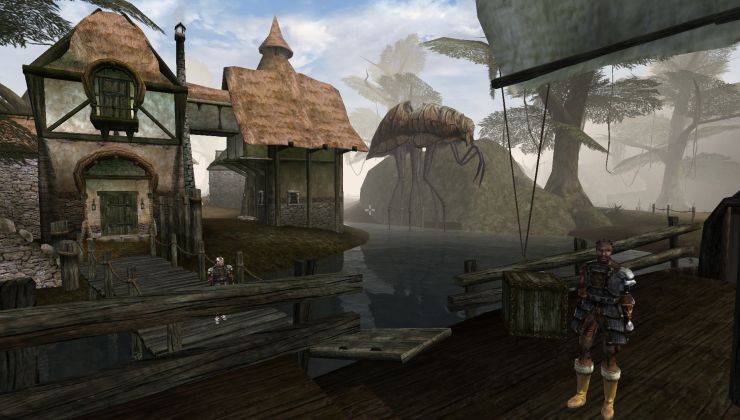
OpenMW is the best way to play Morrowind on modern systems, so here's your full guide to getting it installed on Linux / SteamOS and Steam Deck.
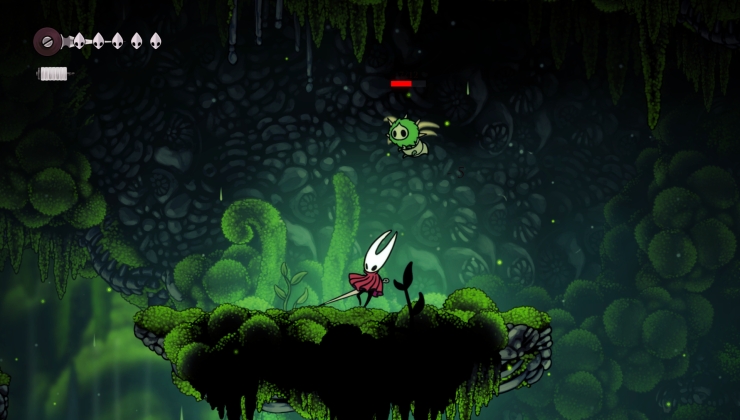
Hollow Knight: Silksong can be a challenging game and it has an active modding scene - here's how to install Silksong mods on Linux, SteamOS and Steam Deck.
You're supposed to only be able to use AMD FSR4 with the latest AMD GPUs, but thanks to a woops from AMD - even the Steam Deck can now use FSR4.
See a weird pattern of colours when playing some games on Linux / SteamOS and Steam Deck? Some videos not playing? Here's why that happens and how you can fix
Want to get Battle.net on your Linux system like SteamOS and Steam Deck? Here's a guide giving you the options to play World of Warcraft and Starcraft.
While most of Linux gaming revolves around Steam, SteamOS and Steam Deck. GOG and Epic Games can be run on Linux platforms too - here's how.
Want to play the classics Battlefield 3 and Battlefield 4 on Linux, SteamOS, Steam Deck? Here's what you need to do to get them working fully.
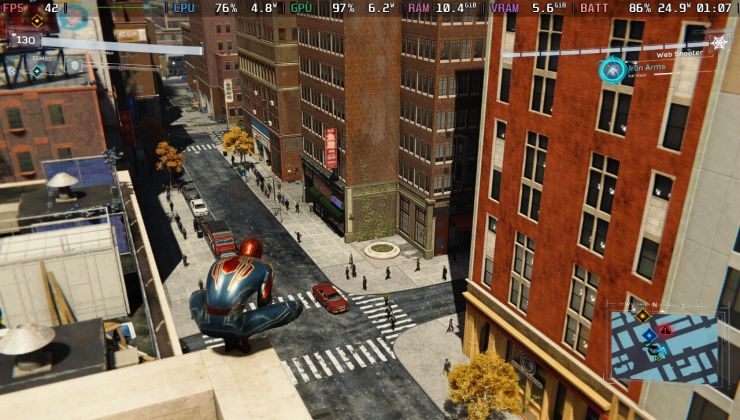
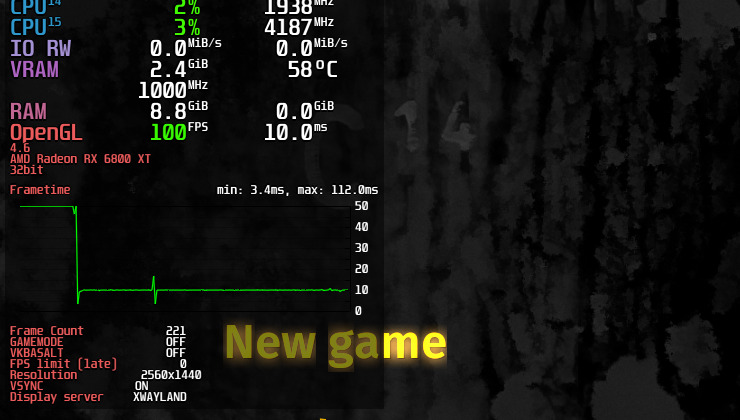
MangoHud is a fantastic Vulkan and OpenGL performance overlay for monitoring FPS, temperatures, CPU/GPU load and more. Here's how to use it on Linux.
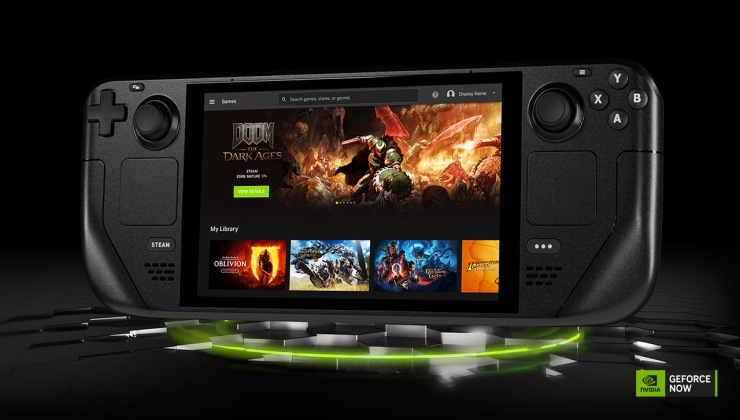
Here's your simple no-nonsense guide to getting NVIDIA GeForce NOW up and running on Steam Deck, SteamOS.
Here's an overview and guide to what options you have for graphics drivers on Linux, since it can at times be a little on the confusing side.
If you're going to be messing around with SteamOS on Steam Deck or other devices, there are times it will need a sudo password in Desktop Mode. Here's how to set it, change it and reset it if you forgot it.
Decky Loader is a simple to use plugin system for Steam Deck / SteamOS, that allows you to add in plenty of extra features and some of the plugins are awesome.
Here's all you need to know on how to change the Proton version on Linux, SteamOS and Steam Deck.
Here's how to install and setup GE-Proton (formerly Proton-GE). An extra compatibility layer to run Windows games on Linux platforms like SteamOS / Steam Deck.
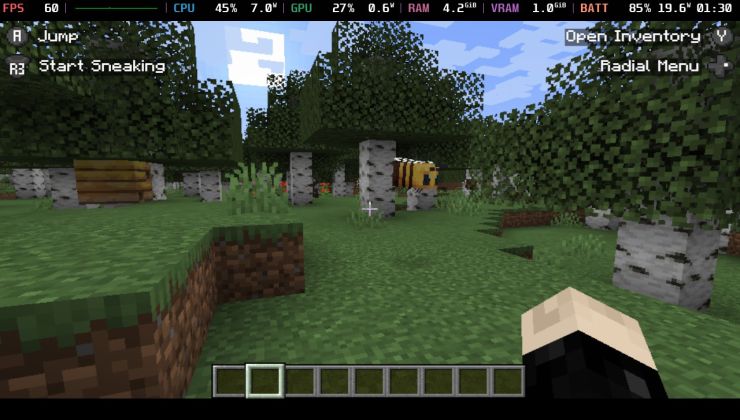
Minecraft (Java Edition) has supported Linux platforms for a long time, so getting it running on Steam Deck / SteamOS is easy. Here's your foolproof guide to getting it set up correctly and with controller support too.
The Steam Deck with SteamOS (and other devices that will ship with SteamOS) use a locked-down filesystem, so installing extra software is a little different. Here's what you need to know in a simple to understand guide.
Want to know how you can check to see if a game is compatible with Linux / SteamOS and Steam Deck? Here's all you need to know in one handy guide.
Showing 1 to 20 of 164 entries found.














 Bluesky
 Mastodon