While you're here, please consider supporting GamingOnLinux on:
Reward Tiers: Patreon. Plain Donations:
  PayPal.
This ensures all of our main content remains totally free for everyone! Patreon supporters can also remove all adverts and sponsors! Supporting us helps bring good, fresh content. Without your continued support, we simply could not continue!
You can find even more ways to support us on this dedicated page any time. If you already are, thank you!
Reward Tiers:
Patreon. Plain Donations: PayPal.This ensures all of our main content remains totally free for everyone! Patreon supporters can also remove all adverts and sponsors! Supporting us helps bring good, fresh content. Without your continued support, we simply could not continue!
You can find even more ways to support us on this dedicated page any time. If you already are, thank you!
Login / Register
[Metro 2033 Redux gray dots](http://images.akamai.steamusercontent.com/ugc/37490515290192401/33608CA380CD2ED3AF1408DA47FA7FA8299064CD/)
Is just my LG monitor problem? Or is a generic Linux problem?
Screenshot: 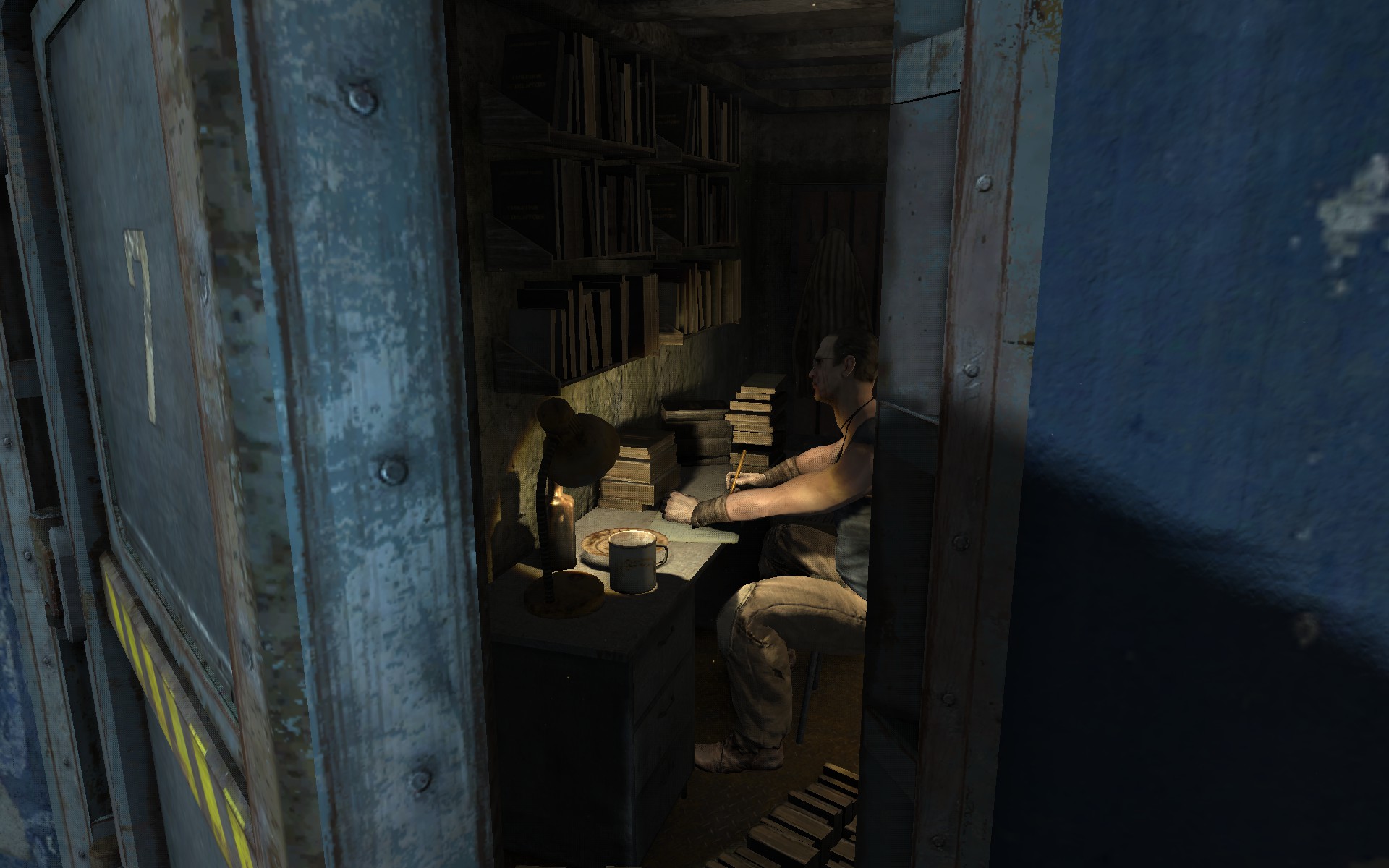
Looks like an engine issue, since more people get it, it's not from your hardware.
The more visual quality I set, the more gray dots I have... With the settings at medium, there is no gray dots....
I have to do more experiments..
P.s. I couldn't tell the game looked any worse by lowering that option. I took bunch of screenshots both ways. And apart from the dots, the higher settings didn't look at all better.
I have the Windows version too, thanks to GOG, and I can tell You that this problem doesn't exist at High and Very High Quality... In fact, in windows, the game looks better and better with those presets..
I think the Medium quality is the only true quality available in the Linux version... The High and Very High quality must be faked by some filters.
All this makes me wonder how 4A Games made this port... Maybe it was made from the PS4 version and not from the Windows version.
@Comandante Ñoñardo I also can confirm that the windows version doesn't have this problem, I probably should of mentioned that aswell.
All in all it's still a fantastic game on linux. Not a perfect port but still one of the better ones.