While you're here, please consider supporting GamingOnLinux on:
Reward Tiers: Patreon. Plain Donations:
  PayPal.
This ensures all of our main content remains totally free for everyone! Patreon supporters can also remove all adverts and sponsors! Supporting us helps bring good, fresh content. Without your continued support, we simply could not continue!
You can find even more ways to support us on this dedicated page any time. If you already are, thank you!
Reward Tiers:
Patreon. Plain Donations: PayPal.This ensures all of our main content remains totally free for everyone! Patreon supporters can also remove all adverts and sponsors! Supporting us helps bring good, fresh content. Without your continued support, we simply could not continue!
You can find even more ways to support us on this dedicated page any time. If you already are, thank you!
Login / Register
very well for me. The ubisoft titles are all on sale at steam. The lowest price is at
green man gaming.
WINEDLLOVERRIDES="xaudio2_7=n,b" %command%I have to try it by myself.
With this, a lot of games will work out of the box with platinum rating.
It's nice to finally be able to play my Steam version of the game (before, only the pirated version would run via Wine for me).
I don't know You, but I'm gonna try it.
and pasting the mfplat.dll file on the game's directory didn't worked. (I got the file from my windows7 machine)..
the trick specified on [WINEHQ](https://appdb.winehq.org/objectManager.php?sClass=version&iId=36588) doesn't say if You have to use the version located at System32 or the one located at SysWOW64
---
Hitman 2 seems to be running fine, didn't buy it but you can get the prologue for free and even play the episodes from Hitman 2016 if you own that. Not interesting for that purpose of course, but hey, it works.
First: I suggest to add
WINEDLLOVERRIDES="xaudio2_7=n,b" %command%in the game's launch options for to avoid the potential very well known sound issue...I played only in single player mode the two first chapters...I died A LOT.
Earthfall is the true spiritual successor of Left4Dead, and (for Me) is even better than Killing floor...
To call this game plagiarism or imitation is unfair, because indeed this has a better playability than Left4Dead....
I mean, You can even print your own weapons!! And You can install barricades!!!... and automated machine gun turrets!!!
This game has the improvements I always wanted to see in Left4Dead and KillingFloor.
If you gonna play solo, don't worry, You are not alone like in KillingFloor, You have your 3 bots friends like in Left4Dead.
I had solid 60 FPS most of the time with the graphics preset on HIGH, but I had frame drops when A LOT of enemies were attacking me... It seems this game very cpu demanding.
I had only ONE crash in 6 hours of game play, but I can't tell if it was a Proton issue or a game issue, because I had the same crash, several times, with Killing Floor 2 on a Windows 7 machine.
I don't know if this is the right place to request some input but here it goes. I bought Frostpunk (id 323190) a couple of months ago and I'm struggling to get it to work with Proton. I submitted my original issue to Proton's github repo:
https://github.com/ValveSoftware/Proton/issues/412#issuecomment-421671114
I updated my system in the meantime so I'm now on 4.19.2-arch1-1-ARCH with Proton 3.16-4 Beta, but still no dice. The nvidia driver version is 410.73. I've tried different launch options like the ones described here: https://bbs.archlinux.org/viewtopic.php?id=227149
Or removing some legacy libraries as described here:
https://github.com/ValveSoftware/steam-for-linux/issues/3820#issuecomment-150706996
https://bbs.archlinux.org/viewtopic.php?pid=1417306#p1417306
Or even installing .NET as described here:
https://www.reddit.com/r/wine_gaming/comments/8r6low/guide_how_to_install_net_45_on_64bit_prefixes/
https://github.com/ValveSoftware/Proton/issues/18
https://github.com/Winetricks/winetricks/issues/917
Also tried uninstalling and reinstalling. Just wondering if anyone here encountered the same issues and found a feasible workaround. The suggestion on that github issue to remove autosaves didn't do it either.
Thanks
Now I have to add funds and start to buy games that fits with the criteria.
All tests available at ProtonDB were made with old versions of Proton. Maybe the new version works.
I downloaded it and it works out of the box...
And, like the previous games, it has a Benchmark.
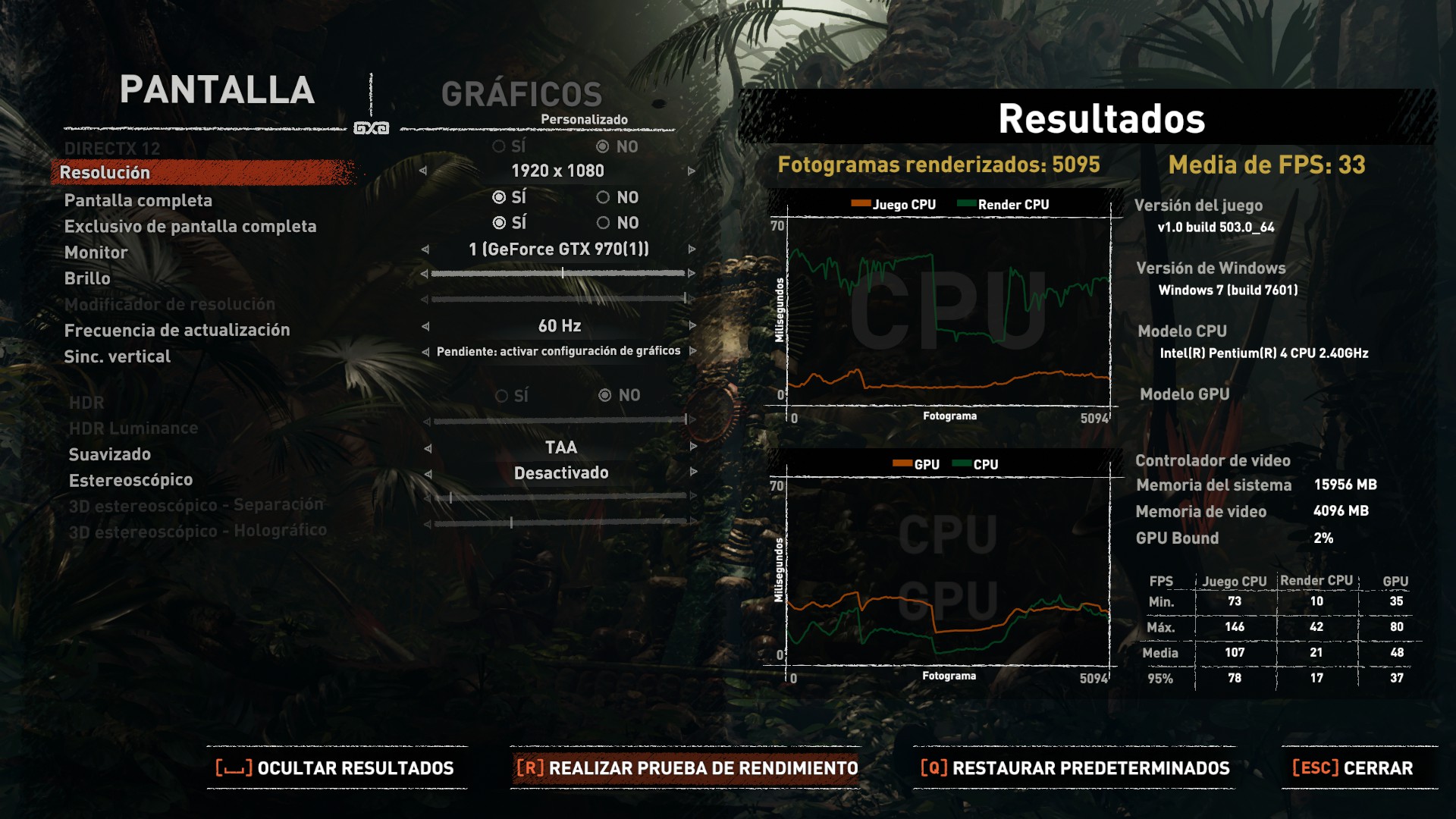
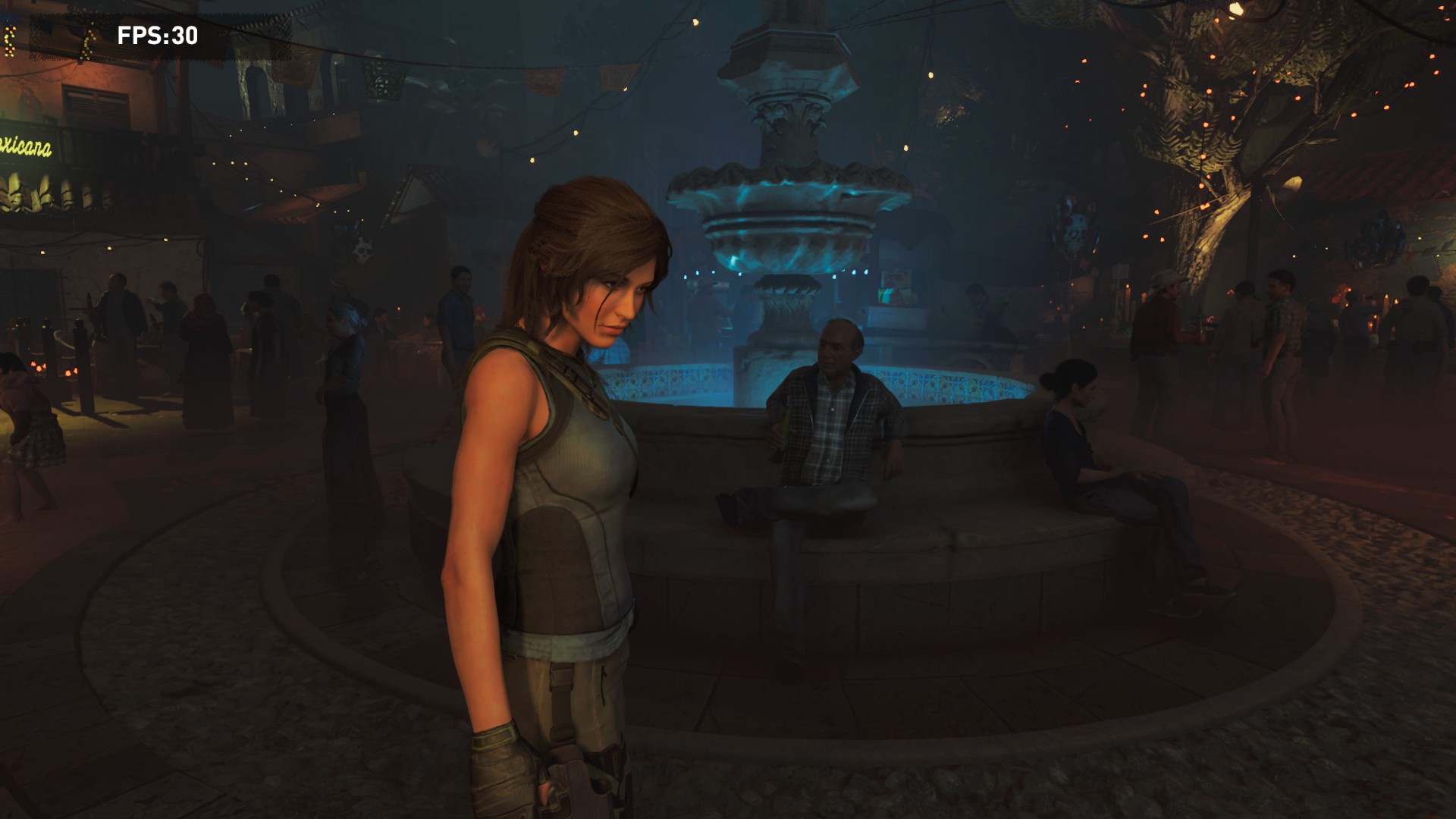
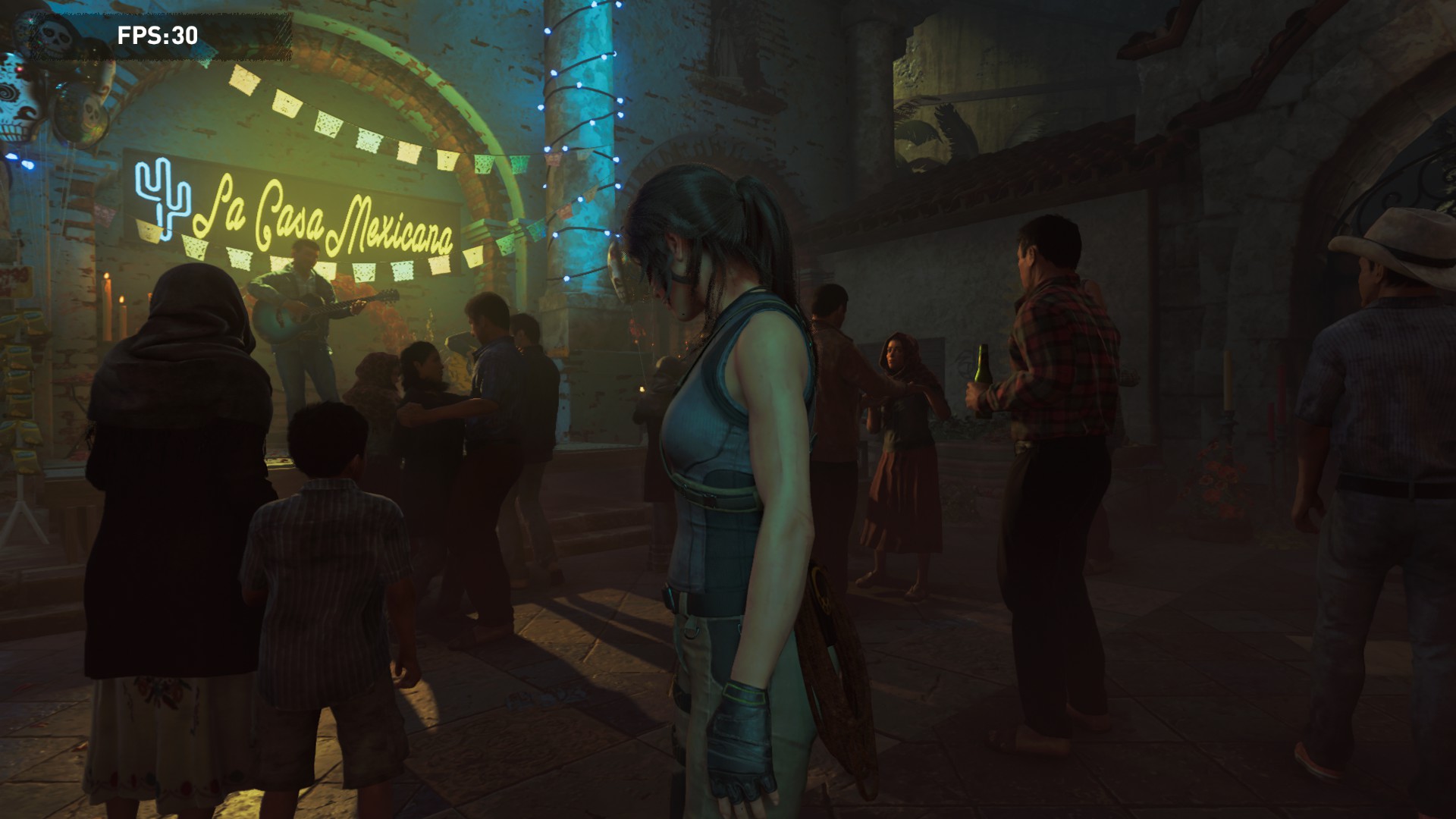
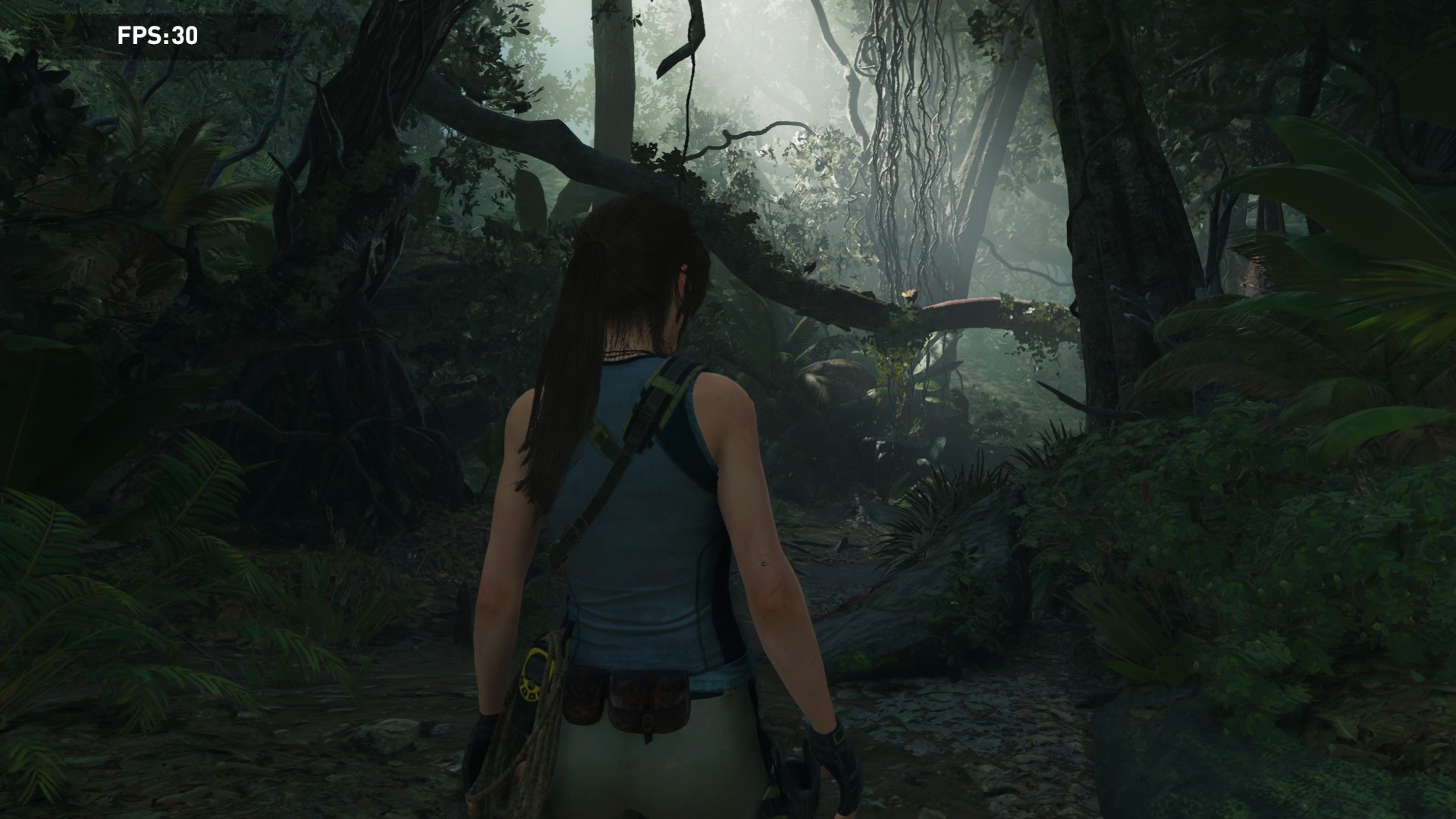
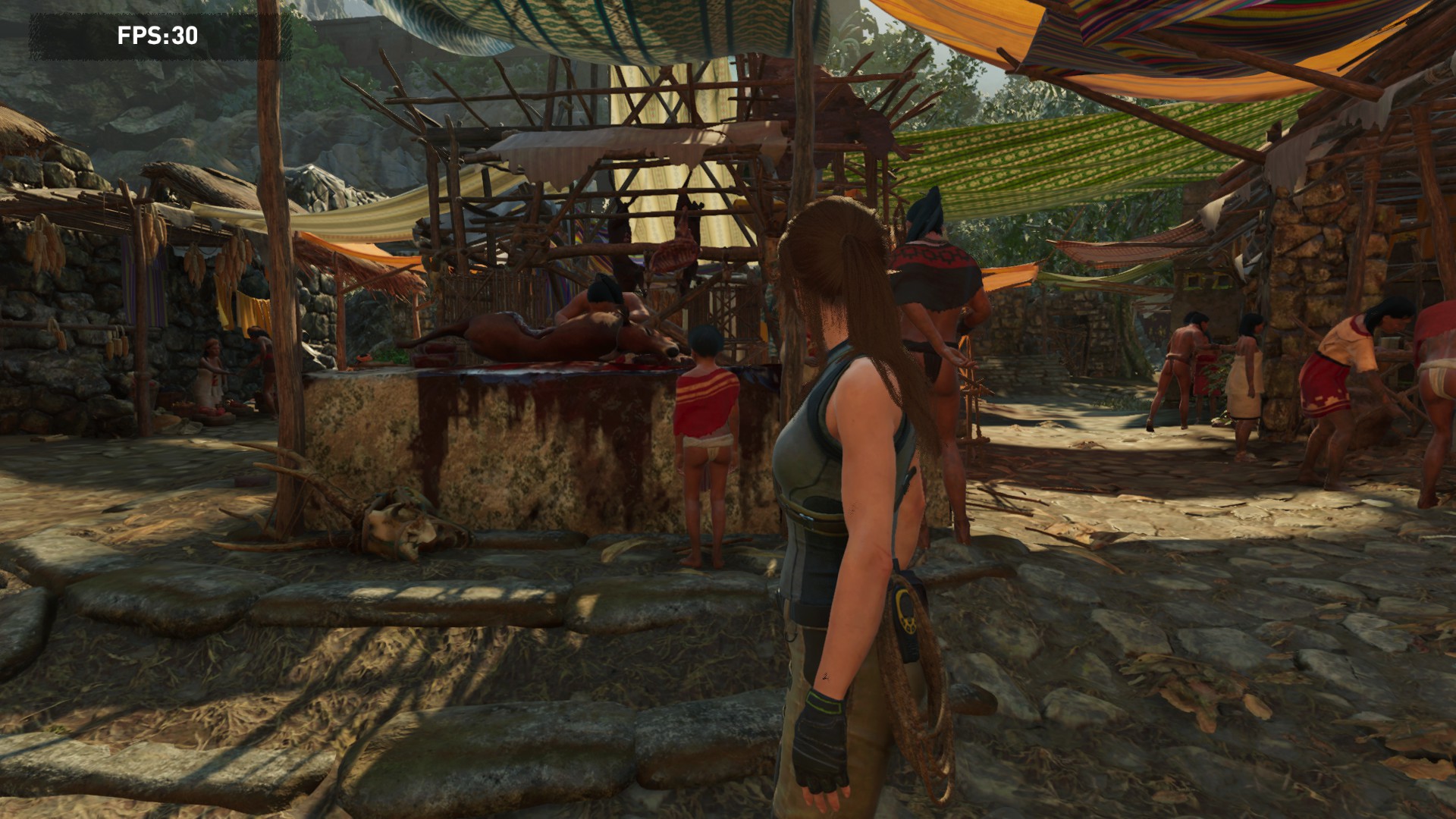
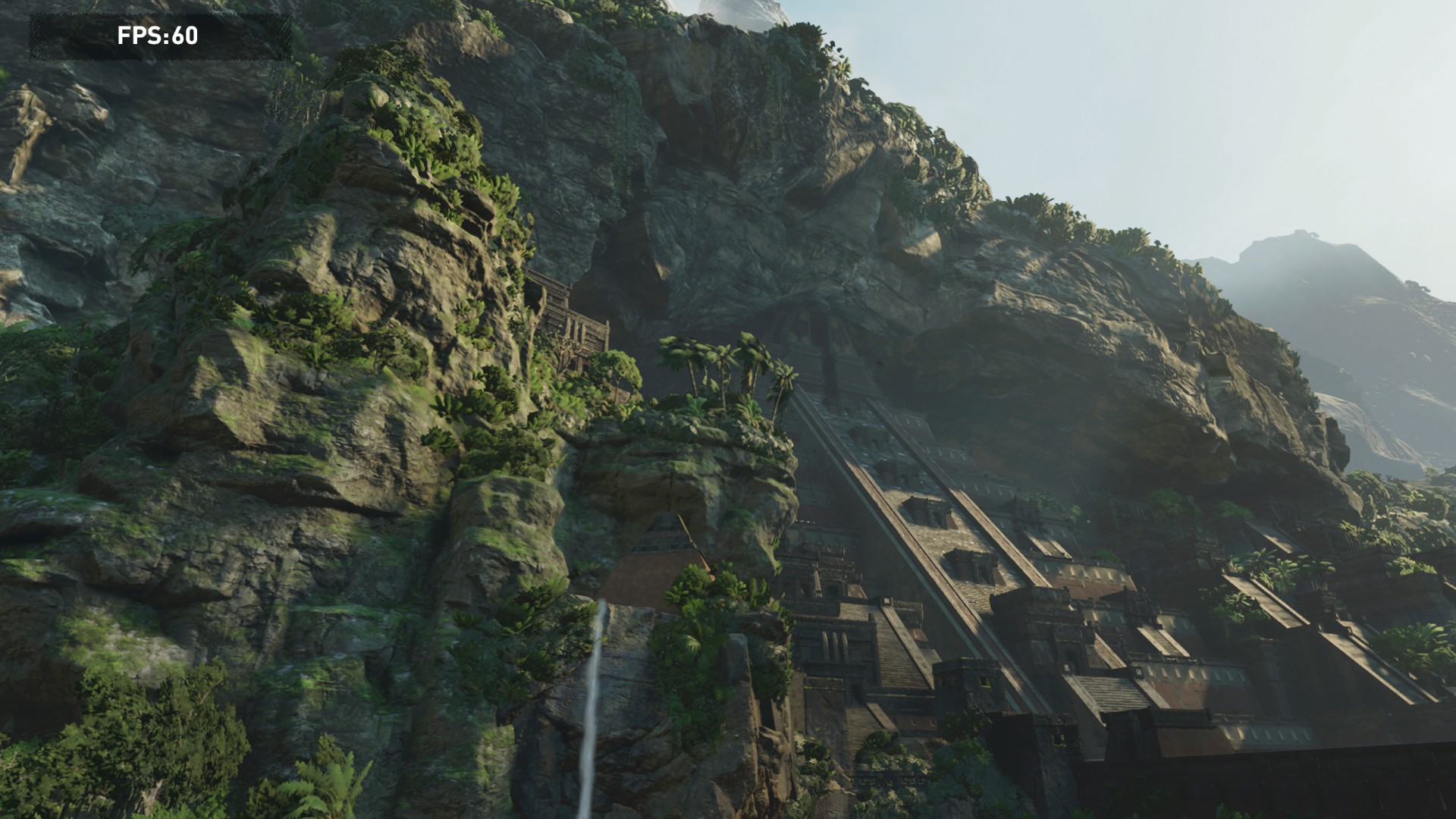
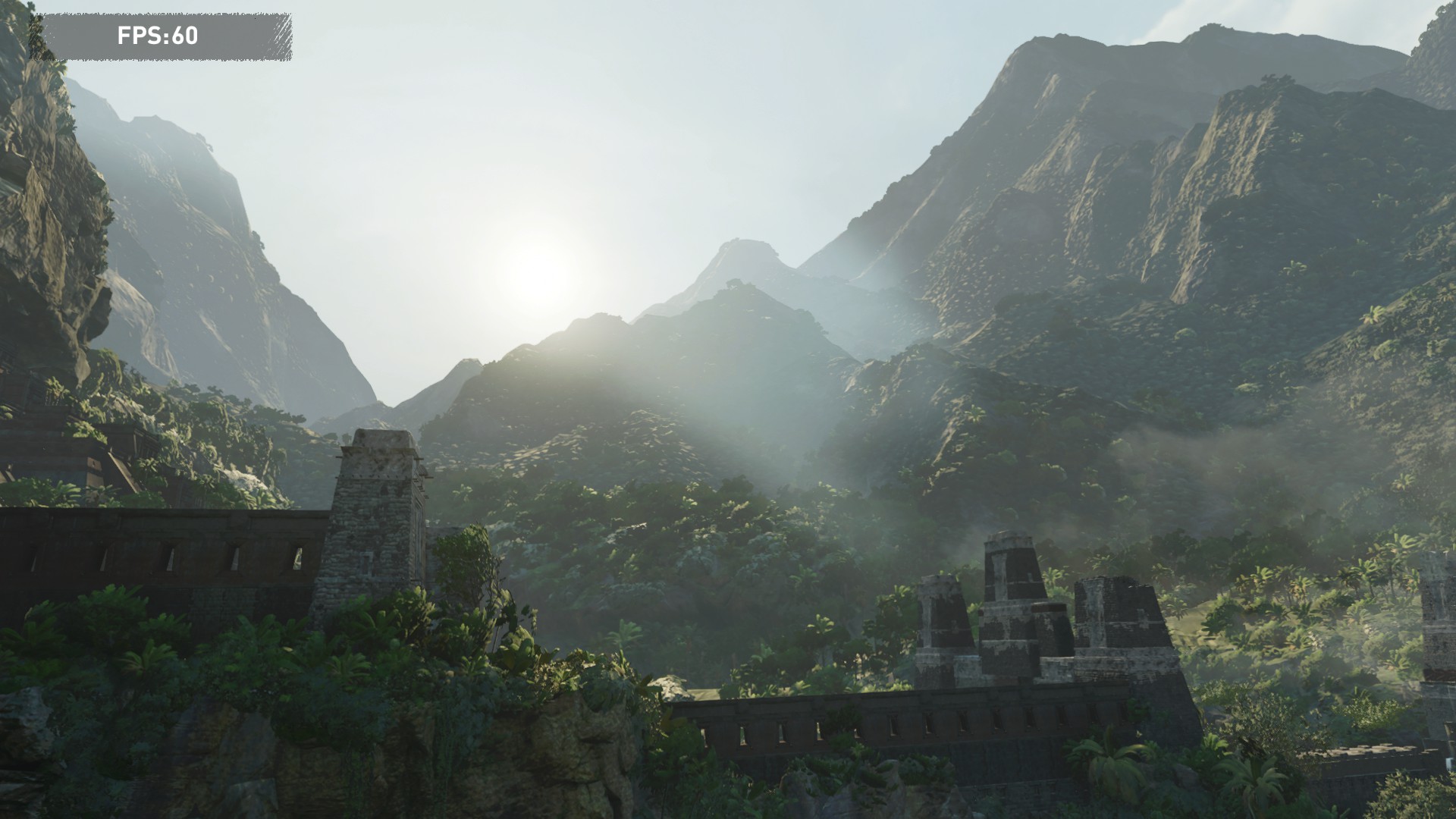
I hope the new Nvidia driver improve performance
I suppose that is a greenlight for to have the entire franchise running on Linux via Proton.
Also there's a slight graphics glitch that I was unable to resolve - the flat grey textured blocks around the platform are supposed to be a dust/smoke like effect: https://www.dropbox.com/s/zgpogrma6gqsaeb/stories-glitch.png?dl=0 (although it doesn't seem to be a DXVK specific issue as it happens with WineD3D too)
PROTON_FORCE_LARGE_ADDRESS_AWARE=1 PROTON_NO_ESYNC=1 %command% -dx9I was able to play the first two levels of Bioshock 2 in a row without any crash.Using previous versions of Proton I had crashes in the middle of a level.
Yesterday Dragon Ball Xenoverse was at only 9 € on Steam. I looked [on Protondb, the game has Platinum label](https://www.protondb.com/app/323470).
I installed it and launch it: works very well without any bug or needed tweaks. I can play with my Steam controller.
So pleasant!
The crash can be solved if this
-DX9is in the game launch options...
I also observed that, when the game is in DX9 mode, the frame rate is no longer capped at 30FPS when VSYNC is enabled...
But, there are minor graphic glitches in DX9 mode...I guess is because the api is not properly supported by PROTON.