Patreon Logo Support us on Patreon to keep GamingOnLinux alive. Alternatively, you can donate through PayPal Logo PayPal.
Viewing more Tips & Guides

Anticheat check - which competitive games actually work on Linux?


By
Want to switch from Windows to Linux / SteamOS but concerned about games with anti-cheat on Linux? Here's all you need to know on what you can play.

How to give Valve feedback when Proton games have issues on Linux / SteamOS


By
You've tried to run that fancy new game on your Linux / SteamOS system with Proton - but it has issues! Here's what you can do to help improve things.
Follow GamingOnLinux on and

How to setup OpenMW for modern Morrowind on Linux / SteamOS and Steam Deck


By
OpenMW is the best way to play Morrowind on modern systems, so here's your full guide to getting it installed on Linux / SteamOS and Steam Deck.

How to install Hollow Knight: Silksong mods on Linux, SteamOS and Steam Deck


By
Hollow Knight: Silksong can be a challenging game and it has an active modding scene - here's how to install Silksong mods on Linux, SteamOS and Steam Deck.

Alternatives to popular games that don't work on Linux, Steam Deck and SteamOS


By
With the amount of games that block Linux platforms including SteamOS and Steam Deck, here's your guide to some great alternatives.

Why some games on Linux, SteamOS / Steam Deck have broken videos and what you can do


By
See a weird pattern of colours when playing some games on Linux / SteamOS and Steam Deck? Some videos not playing? Here's why that happens and how you can fix

How to install Battle.net on Linux, SteamOS and Steam Deck for World of Warcraft and Starcraft


By
Want to get Battle.net on your Linux system like SteamOS and Steam Deck? Here's a guide giving you the options to play World of Warcraft and Starcraft.

How to play games from GOG and Epic Games on Linux, SteamOS and Steam Deck


By
While most of Linux gaming revolves around Steam, SteamOS and Steam Deck. GOG and Epic Games can be run on Linux platforms too - here's how.

How to get Battlefield 3 and Battlefield 4 online working on Linux, SteamOS, Steam Deck


By
Want to play the classics Battlefield 3 and Battlefield 4 on Linux, SteamOS, Steam Deck? Here's what you need to do to get them working fully.

How to use MangoHud for Linux game performance monitoring


By
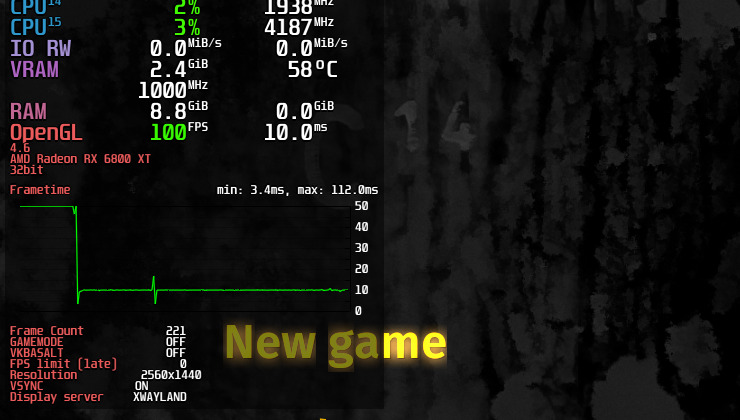
MangoHud is a fantastic Vulkan and OpenGL performance overlay for monitoring FPS, temperatures, CPU/GPU load and more. Here's how to use it on Linux.

How to get GeForce NOW on Steam Deck, SteamOS


By
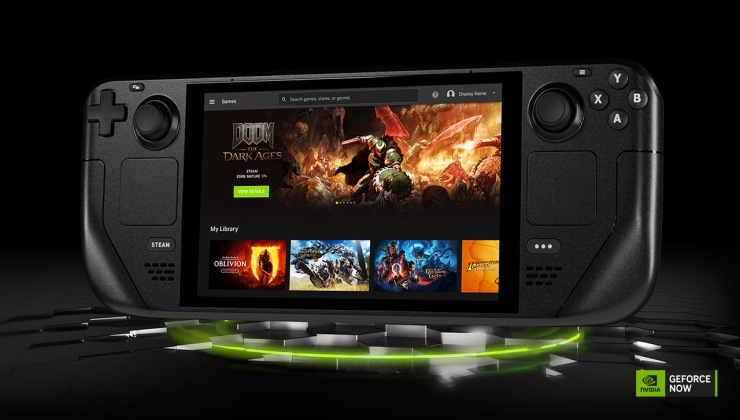
Here's your simple no-nonsense guide to getting NVIDIA GeForce NOW up and running on Steam Deck, SteamOS.

How to install, update and see what graphics driver you have on Linux and SteamOS


By
Here's an overview and guide to what options you have for graphics drivers on Linux, since it can at times be a little on the confusing side.

How to set, change and reset your SteamOS / Steam Deck desktop sudo password


By
Here's how to set, change and reset your sudo password in SteamOS / Steam Deck Desktop Mode.

How to set up Decky Loader on Steam Deck / SteamOS for easy plugins


By
Decky Loader is a simple to use plugin system for Steam Deck / SteamOS, that allows you to add in plenty of extra features and some of the plugins are awesome.

How to change the Proton version on Linux, SteamOS and Steam Deck


By
Here's all you need to know on how to change the Proton version on Linux, SteamOS and Steam Deck.

How to install GE-Proton on Steam Deck, SteamOS, Linux


By
Here's how to install and setup GE-Proton (formerly Proton-GE). An extra compatibility layer to run Windows games on Linux platforms like SteamOS / Steam Deck.

An idiots guide to setting up Minecraft on Steam Deck / SteamOS with controller support


By
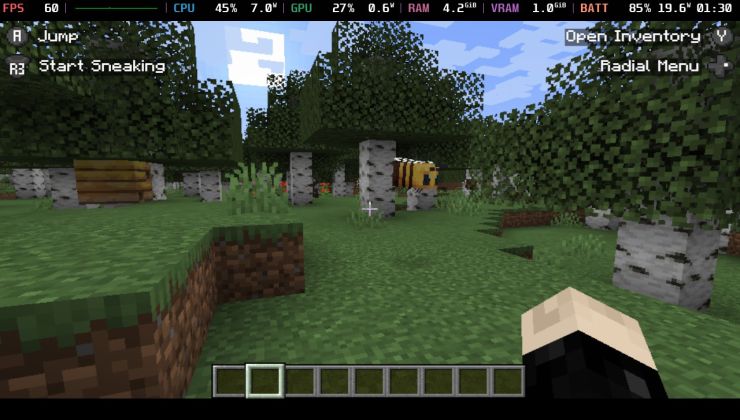
Minecraft (Java Edition) has supported Linux platforms for a long time, so getting it running on Steam Deck / SteamOS is easy. Here's your foolproof guide to getting it set up correctly and with controller support too.

How to install extra software, apps and games on SteamOS and Steam Deck


By
The Steam Deck with SteamOS (and other devices that will ship with SteamOS) use a locked-down filesystem, so installing extra software is a little different. Here's what you need to know in a simple to understand guide.

How to check game compatibility for Linux, SteamOS and Steam Deck


By
Want to know how you can check to see if a game is compatible with Linux / SteamOS and Steam Deck? Here's all you need to know in one handy guide.

Why are there so many different Proton versions? Proton 8, Proton 9, Experimental, GE-Proton


By
Why are there so many different versions of Proton? The compatibility layer that runs Windows games on Linux / SteamOS and Steam Deck.H ere's a guide to help.
Showing 1 to 20 of 21 entries found.