This website makes use of cookies to enhance your browsing experience and provide additional functionality -> More infoDeny Cookies - Allow Cookies
Support us on Patreon to keep GamingOnLinux alive. This ensures all of our main content remains free for everyone. Just good, fresh content! Alternatively, you can donate through PayPal. You can also buy games using our partner links for GOG and Humble Store.

Two very popular open source compatibility layer projects from developer 'GloriousEggroll' are out now, with updates to both GE-Proton and Wine-GE-Proton too.
Recently it seems something changed over on the Epic Games Store and so third-party programs trying to login like the Heroic Games Launcher would fail. Thankfully a fix was found.
Since a lot of people liked the first set of tips and tricks for the Steam Deck, here's a Part 2 with just a few more that some of you might find useful.
Heroic Games Launcher enables you to download games on Linux and Steam Deck from both the Epic Store and GOG. A big new release is out now with some massive new features.
Since Valve are ramping up production and a ton more people than expected will get their Steam Deck this year, plus the expansion into Asia, it was a good time to get some basic quick tips and tricks sorted for you.
Do you want to play the classic Diablo RPG? Well, not only does GOG have it and the Hellfire expansion but the Native Linux devilutionX game engine can make it even better. Here's how to get it working on Steam Deck (and Linux desktop!).
The Heroic Games Launcher for Epic Games and GOG on Linux has a huge new Beta release (plus a bug fixes for the stable build) with loads of fancy new features.
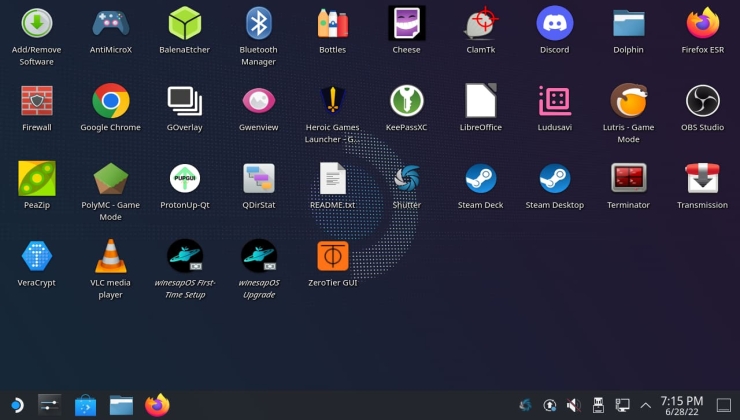
While Valve has still yet to produce an official installable image of SteamOS 3 for desktops, as always the community provides and another worth looking into is winesapOS.
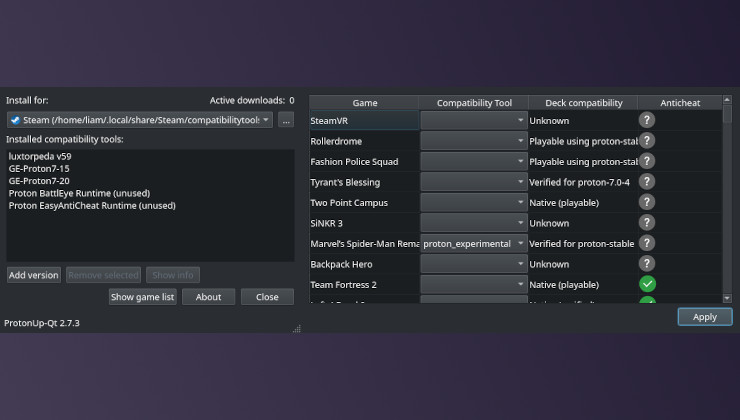
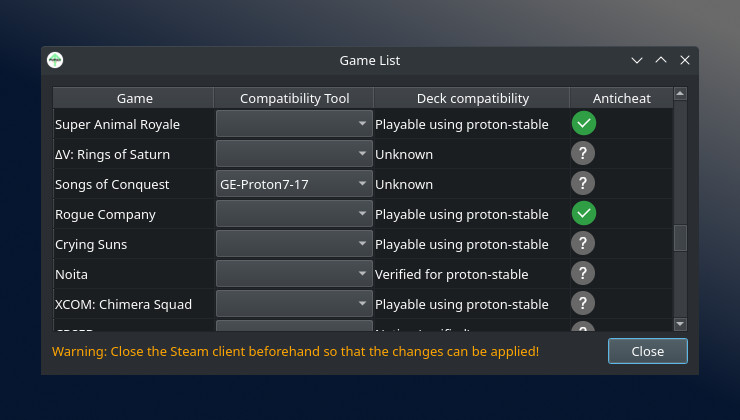
Another update to the free and open source app ProtonUp-Qt giving you a proper user interface for downloading GE-Proton, Luxtorpeda, Wine-GE and others for Steam Deck and Linux.
Two goodies for fans of the open source Heroic Games Launcher today. Those sticking with the stable release get some fixes, and those who want some fun can try out a huge new Beta.
Heroic Games Launcher for Epic Games and GOG on Linux and Steam Deck has a new update out, mostly focused on cleaning up some problems but also sprinkles in some new features like a command-line interface.
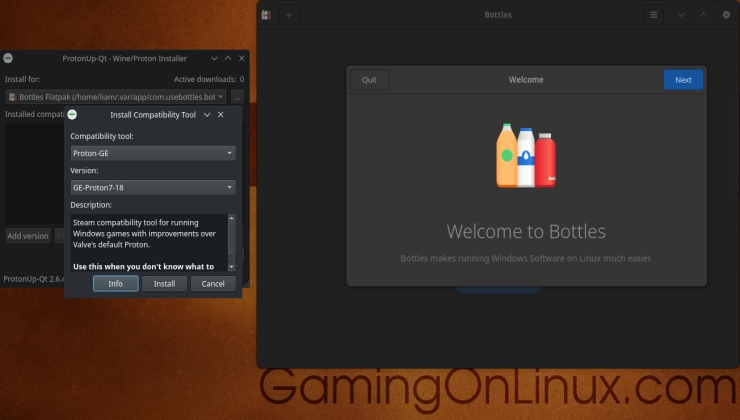
ProtonUp-Qt, the fantastic tool to help you install various community builds of Wine and Proton like GE-Proton or Wine-GE on Linux and Steam Deck just added support for the Bottles application.