This website makes use of cookies to enhance your browsing experience and provide additional functionality -> More infoDeny Cookies - Allow Cookies
Support us on Patreon to keep GamingOnLinux alive. This ensures all of our main content remains free for everyone. Just good, fresh content! Alternatively, you can donate through PayPal. You can also buy games using our partner links for GOG and Humble Store.

Diablo 4 is just about to release for everyone, and after blasting through the Early Access I've been thoroughly impressed by how it runs on Steam Deck and desktop Linux.
There's many different ways to get third-party launchers onto Steam Deck like Battle.net, EA, Epic Games and many others. Here's one way that does most of the work for you.
The latest biweekly development release for the Windows translation tool Wine is out, Wine 8.9 as usual brings new features and fixes that will eventually make their way into Steam Play Proton.
Time for a bit of weekend Wine? The translation layer for running Windows games and apps on Linux and other platforms development release v8.8 is out now.
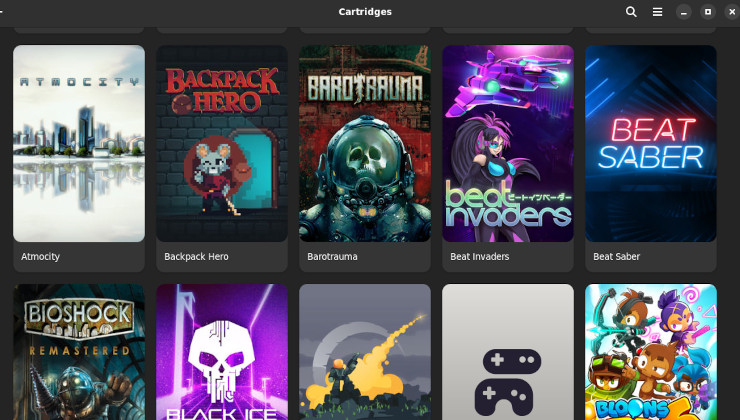
If there's one thing we're not short on, it's launchers. There's some kind of launcher for everything including Lutris, Heroic Games Launcher, Bottles and more. Now there's also Cartridges.
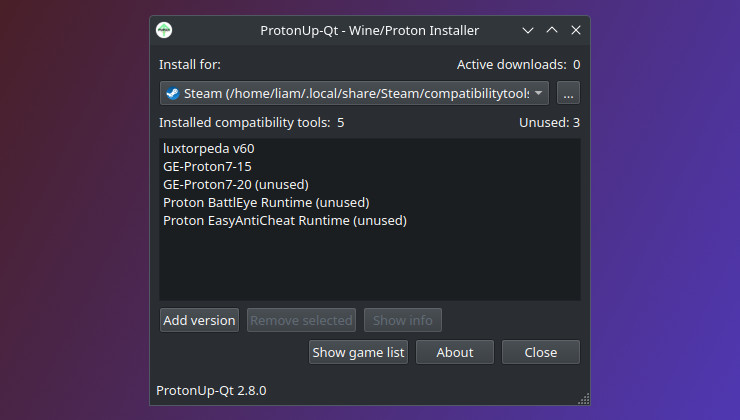
ProtonUp-Qt gives you a hassle-free way to install various compatibility tools like GE-Proton, Wine-GE, Luxtorpeda and others for Steam, Lutris and the Heroic Games Launcher.
Diablo 4 is currently in Beta and due to launch soon, so here's how to get it working on Steam Deck. The same steps can be used to get it working on Linux desktop too.
Wine, the translations layer that allows Windows apps and games to run on other operating systems, that forms part of Steam Play Proton has version 8.3 out now.
You just love games right? Need some more? Check out the big We Love Games Sale over on GOG to continue building up that collection. GOG are also giving away the Alien Breed Trilogy.