Valve updated Proton Experimental on June 10th to bring more bug fixes for running Windows games on Linux / SteamOS systems.
As a brief little reminder on what it is - Proton Experimental is like their testing ground for future stable numbered version Proton updates (like the upcoming Proton 11 that's currently in Beta). You can install any version of Proton by just searching for "Proton" in your Steam Library. If you already have them installed, they will just show up as updates in your Steam Downloads. Check out the updated GamingOnLinux Guide to all the different Proton versions.
Main bug fixes:
- Fixed Mirror's Edge Catalyst freezing on systems without Nvidia GPUs due to nvapi presence.
- Fixed Vagante freezing on character select on setups with using Wayland with Nvidia GPUs.
- Fixed gamma issues in Exanima on certain setups.
- Fixed Moero Chronicle wrongly restarting the intro video every time the game loses focus during playback.
- Fixed No Limits 2 Roller Coaster Simulation rendering wrong colors with Nvidia GPUs on Wayland.
- Fixed Call of Duty (2003) rendering wrong colors in the main menu.
- Fixed video playback in Psycho-Sleuth Demo.
- Fixed Warhammer: Dark Omen (Classic) displaying low resolution map on certain setups.
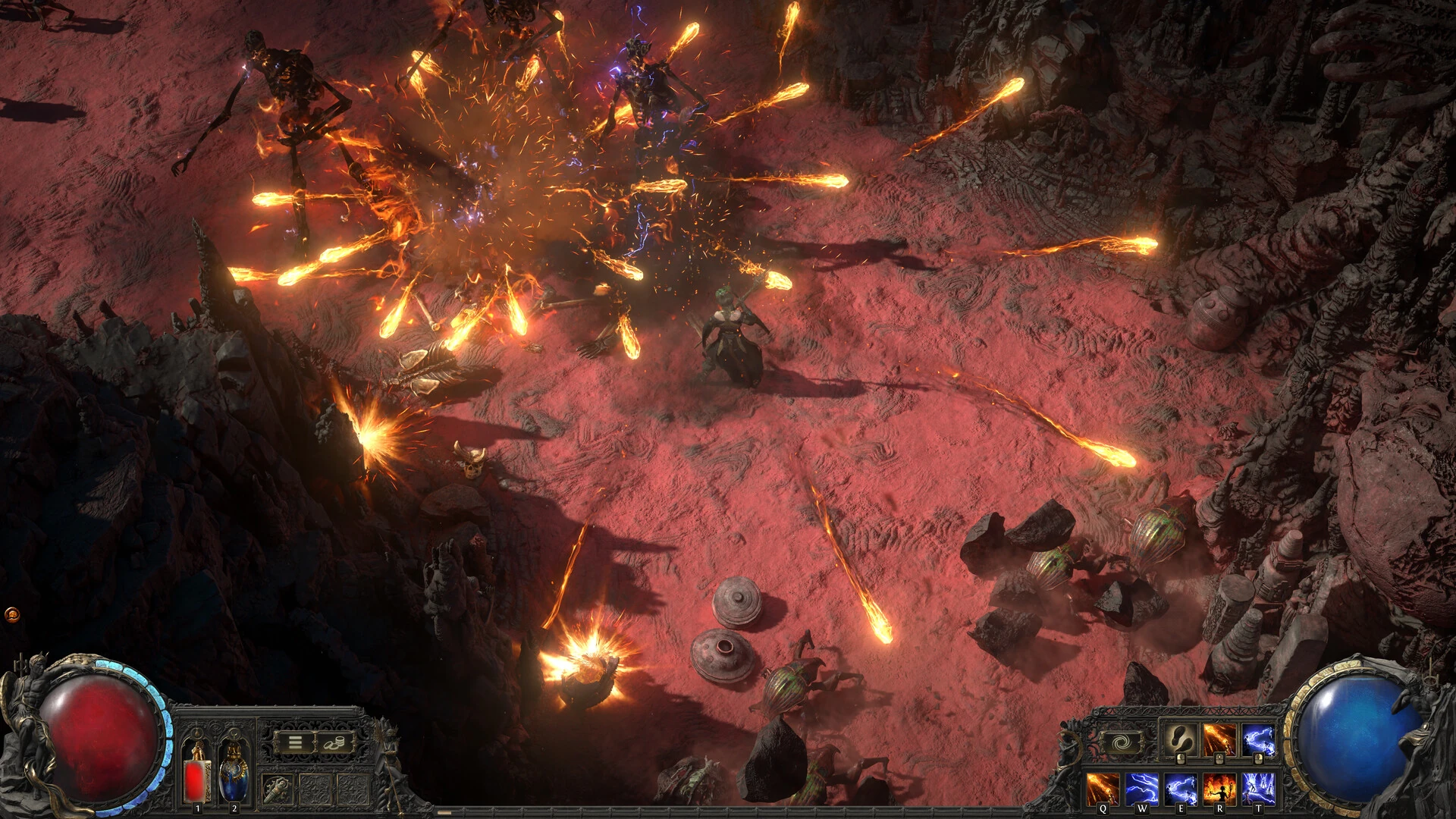
- Fixed Path of Exile and Path of Exile 2 crashing caused by specific character usage in chat.
Fixed Proton 11 regressions:
- Need for Speed Hot Pursuit Remastered now has working input when set to fullscreen mode on Steam Decks.
- Guild Wars 2 should no longer show KDE's taskbar when in fullscreen.
- Addressed performance regression affecting Exanima affecting certain setups.
Source: Valve GitHub




About the author - Liam Squires-Hand

I am the owner of GamingOnLinux. After discovering Linux back in the days of Mandrake in 2003, I constantly checked on the progress of Linux until Ubuntu appeared on the scene and it helped me to really love it. You can reach me easily by emailing GamingOnLinux directly. You can follow me personally on Mastodon [External Link].
See more from me
See more from me
Some you may have missed, popular articles from the last month:


 You can also find comments for this article on social media:
 All posts need to follow our rules. Please hit the Report Flag icon on any post that breaks the rules or contains illegal / harmful content. Readers can also email us for any issues or concerns.
No comments yet!
 Patreon
 PayPal