While you're here, please consider supporting GamingOnLinux on:
Reward Tiers: Patreon. Plain Donations:
  PayPal.
This ensures all of our main content remains totally free for everyone! Patreon supporters can also remove all adverts and sponsors! Supporting us helps bring good, fresh content. Without your continued support, we simply could not continue!
You can find even more ways to support us on this dedicated page any time. If you already are, thank you!
Reward Tiers:
Patreon. Plain Donations: PayPal.This ensures all of our main content remains totally free for everyone! Patreon supporters can also remove all adverts and sponsors! Supporting us helps bring good, fresh content. Without your continued support, we simply could not continue!
You can find even more ways to support us on this dedicated page any time. If you already are, thank you!
Login / Register
- Linux and open source getting age checking exemptions could be problematic
- Steam Deck stock returns but there's a big price increase
- Dusklight the reimplementation of The Legend of Zelda: Twilight Princess gets a major update
- Proton-CachyOS adds low latency layer and Discord rich presence support
- Flathub moves to ban nearly all apps and submissions made with generative AI
- > See more over 30 days here
 Anticheat check - which competitive games actually work on Linux?
 How to give Valve feedback when Proton games have issues on Linux / SteamOS
- Fully native alternative to ProtonDB
- plainart - Feedback needed - future website updates
- Liam Squires-Hand - New Desktop Screenshot Thread
- Hamish - Restrict way kernel-level-anti-cheat is installed.
- PlayingOnLinuxphone - Are Mac computers good and stable?
- PlayingOnLinuxphone - See more posts
This is a thread for posting benchmarks if you have any.
Mesa repo that contains the compiler: https://github.com/daniel-schuermann/mesa
* [Testing instructions](https://steamcommunity.com/app/221410/discussions/0/1640915206474070669/).
* [Bug reporting](https://github.com/daniel-schuermann/mesa/issues).
Compiler is enabled by default. To disable it and use regular amdgpu/llvm compiler with the same Mesa build, set the environment variable:
RADV_PERFTEST=llvmSee:
* https://www.gamingonlinux.com/articles/valve-are-asking-for-help-testing-aco-a-new-mesa-shader-compiler-for-amd-graphics.14502
* https://steamcommunity.com/games/221410/announcements/detail/1602634609636894200
amdgpu/llvm
aco:
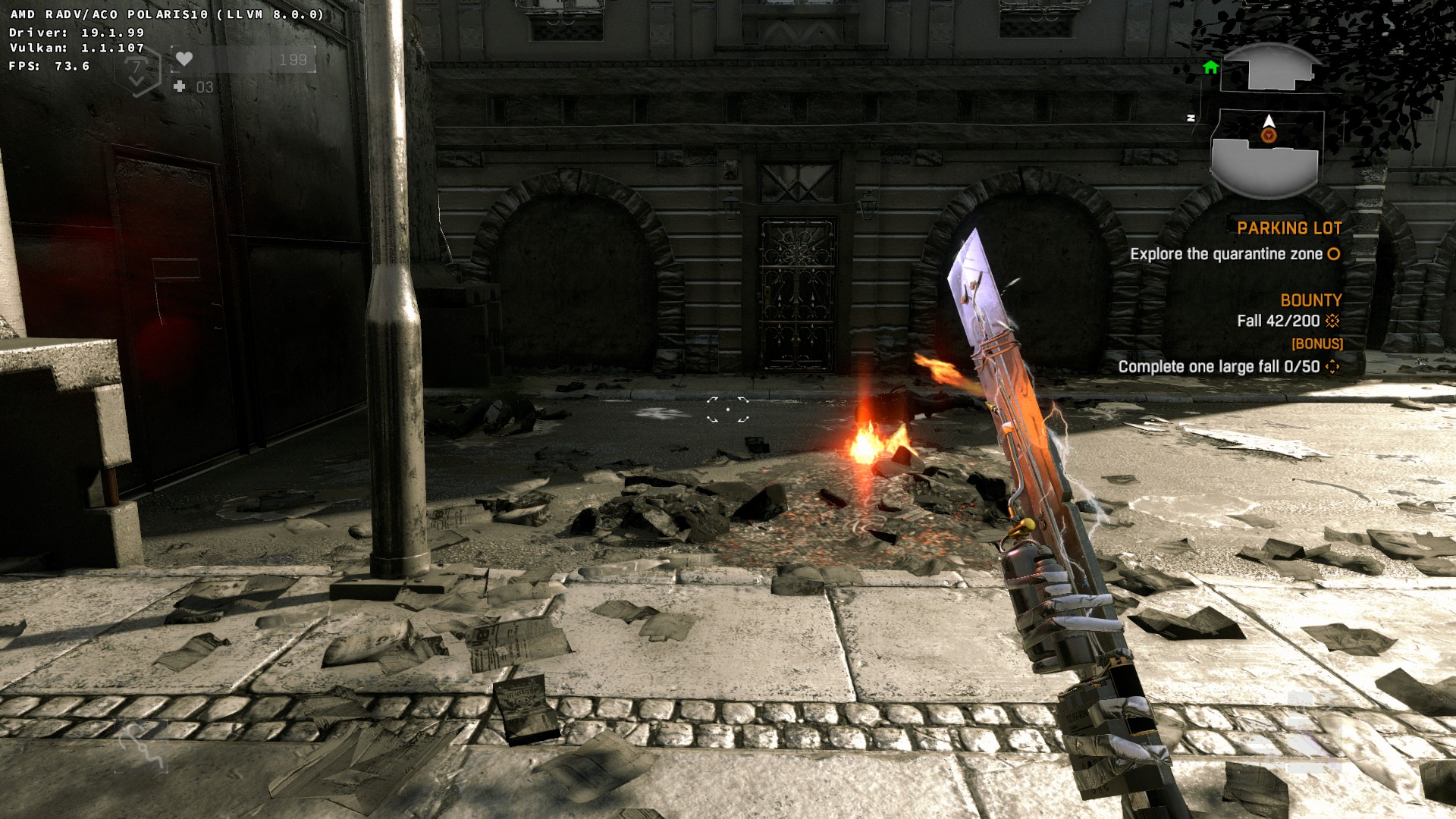
Not bad! It produced around +3 fps for me on average (+3.6% improvement) in the busy street in Novigrad.
GPU: Sapphire Pulse Vega 56
Resolution: 1920x1200.
CPU: AMD Ryzen 7 2700X.
I had to use llvm 8.0.1 though, since 9.0 snapshot currently causes a GPU hang. So would be interesting to compare with 9.0 once it will be fixed.
Plus, I'm not sure how recent Blender is in Debian testing now, due to freeze (it will end soon though).
The relevant part ($arch_dir is my variable):
-Ddri-drivers= \-Ddri-drivers-path="${arch_dir["64"]}" \
"-Dvulkan-drivers=amd" \
You can see how Debian builds stock Mesa here: https://buildd.debian.org/status/fetch.php?pkg=mesa&arch=amd64&ver=19.1.1-1&stamp=1561995279&raw=0
I used that as a starting point for my script.
Since it's just for testing purposes, you can skip everything but radv altogether. Don't replace your regular Mesa with it. Just run the game on demand with the built one placed in dedicated location. That's what I do.
changing XDG_CACHE_DIR or whatever it is called should be enough, AFAIK, if you don't want to get rid of your old cache.
Could those freezes be due to building up the shader chache?
Doing comparisons against the wrong mesa version won't mean anything.
to be exact. Which is 19.2-git.
Once Debian testing will get unfrozen (soon) and packages will refresh, I'll update my script if anything will be broken.
Not sure. How does the resulting ICD file look like? Does it point to the right location of .so? If not, place it where you want it, and manually edit the ICD JSON to point to the right place.