 Support us on Patreon
 PayPal
Latest Comments by Comandante Ñoñardo
Attack of the Clones with custom Proton builds for Steam Play
20 Aug 2019 at 10:33 pm UTC
20 Aug 2019 at 10:33 pm UTC
Hmmm...
I am tempted to try this, but how safe for my steam account is this?..
I am tempted to try this, but how safe for my steam account is this?..
Great looking retro-inspired FPS Ion Fury is out now with Linux support
16 Aug 2019 at 12:51 am UTC
16 Aug 2019 at 12:51 am UTC
English only? I remember they promised more languages.
Steam Play Proton 4.11-2 is out, upgrading DXVK and FAudio
14 Aug 2019 at 10:20 pm UTC
14 Aug 2019 at 10:20 pm UTC
Daymare 1998 DEMO running on Linux via PROTON 4.11-2
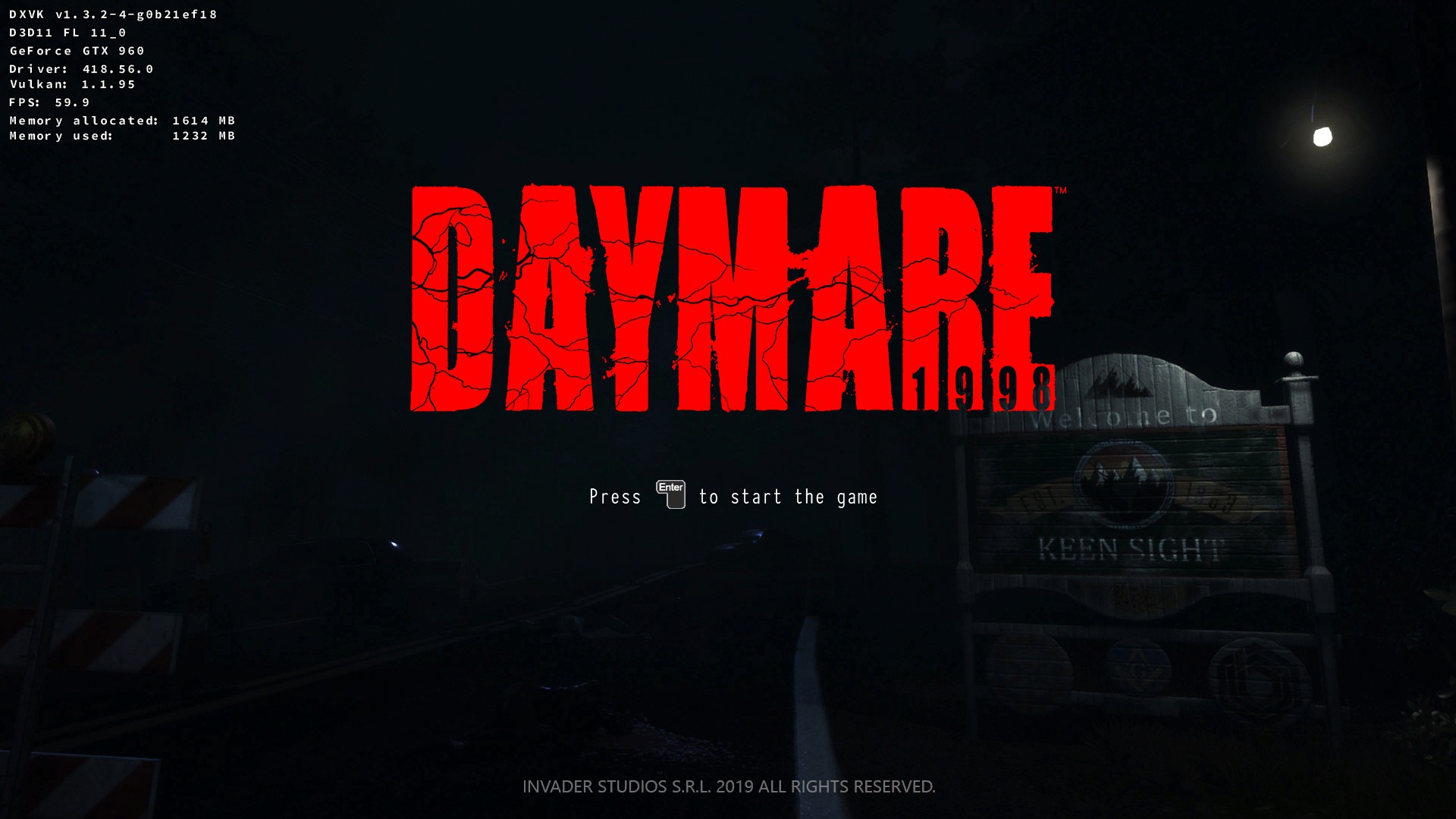
...and.... Daymare 1998 DEMO CRASHING on Linux via PROTON 4.11-2
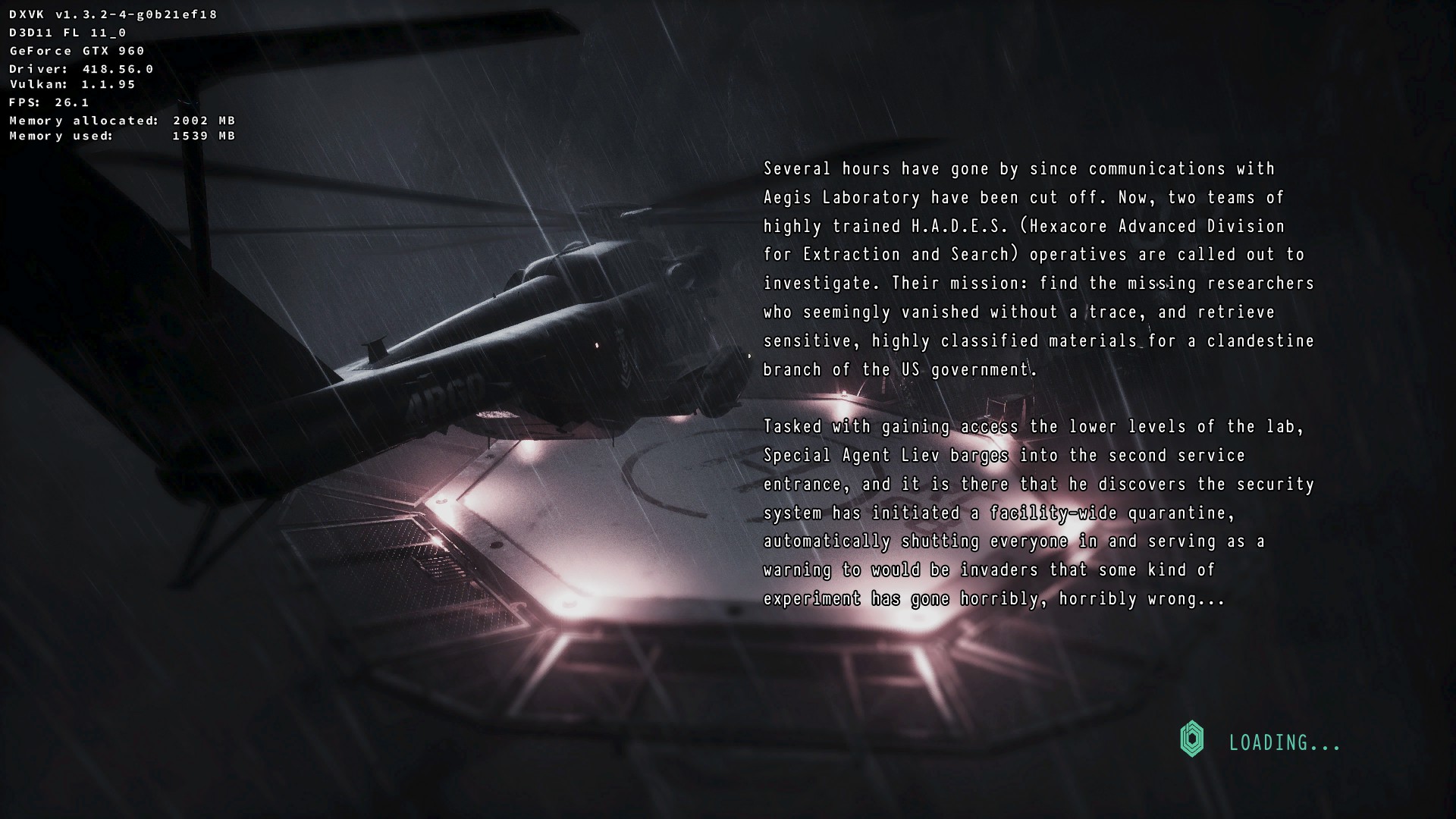

...and.... Daymare 1998 DEMO CRASHING on Linux via PROTON 4.11-2

Steam Play Proton 4.11-2 is out, upgrading DXVK and FAudio
10 Aug 2019 at 11:52 pm UTC
10 Aug 2019 at 11:52 pm UTC
Quoting: stormtuxFor me for the last Proton versions the performances and stability is always the same (even the looong launching times, sadly). About ACO I cant be of help because I am using a nvidia card.I can confirm that the long launching time of the game is present on Windows 7 too.
Steam Play Proton 4.11-2 is out, upgrading DXVK and FAudio
9 Aug 2019 at 3:52 am UTC
9 Aug 2019 at 3:52 am UTC
I wonder how to run the Bigfish client via Proton.
A look at how Steam Play is doing, based on the ProtonDB reports from July
6 Aug 2019 at 5:45 am UTC Likes: 7
6 Aug 2019 at 5:45 am UTC Likes: 7
I can see that a lot of people here confuse WINEDB ratings with ProtonDB ratings and that is a mistake.
Proton environment options are not a bad thing. They are there for something: To make the game work.
According to Valve staff [External Link], if a game needs a PROTON environment option for to run properly, it can be considered for to be white listed anyway.
That is why when you report a game for to be whitelisted they ask you if you used runtime environments options ...
If a whitelisted game needs a Proton environment option for to work , it will be automatically enabled during the install process.
If you use PROTON 4.11-1 and you need to enable "PROTON_USE_D9VK=1 %command% for to run a game perfectly from beginning to end, you have a Proton Platinum game and you can report it.
Proton options are valid for to whitelist a game.
Game options like "-nointro" or "-dx9" are not valid for to whitelist a game.
Proton Gold is when you have to edit some game file or manually run winetricks for to install this or that library for to run the game without issues. PROTON GOLD games will never be whitelisted.
Remember that We are doing PROTON tests and that includes the use of PROTON environments options.
I see that most people here think that this about game tests on Linux via PROTON and that is a common error.
Believe it or not, We are not doing game tests...
PROTON DB reports and Valve github reports (and even reports made on this site) are not about games. They are about PROTON.
The question here is not "Can I play this game on Linux via PROTON?".
The right question is "Can this version of PROTON run this game? NO? Yes? How well? with or without environment options? which one?
PROTON 4.11-1 and D9Vk will give us a lot of new PROTON PLATINUM reports.
Proton environment options are not a bad thing. They are there for something: To make the game work.
According to Valve staff [External Link], if a game needs a PROTON environment option for to run properly, it can be considered for to be white listed anyway.
That is why when you report a game for to be whitelisted they ask you if you used runtime environments options ...
If a whitelisted game needs a Proton environment option for to work , it will be automatically enabled during the install process.
If you use PROTON 4.11-1 and you need to enable "PROTON_USE_D9VK=1 %command% for to run a game perfectly from beginning to end, you have a Proton Platinum game and you can report it.
Proton options are valid for to whitelist a game.
Game options like "-nointro" or "-dx9" are not valid for to whitelist a game.
Proton Gold is when you have to edit some game file or manually run winetricks for to install this or that library for to run the game without issues. PROTON GOLD games will never be whitelisted.
Remember that We are doing PROTON tests and that includes the use of PROTON environments options.
I see that most people here think that this about game tests on Linux via PROTON and that is a common error.
Believe it or not, We are not doing game tests...
PROTON DB reports and Valve github reports (and even reports made on this site) are not about games. They are about PROTON.
The question here is not "Can I play this game on Linux via PROTON?".
The right question is "Can this version of PROTON run this game? NO? Yes? How well? with or without environment options? which one?
PROTON 4.11-1 and D9Vk will give us a lot of new PROTON PLATINUM reports.
What have you been clicking on this weekend?
5 Aug 2019 at 12:54 am UTC
5 Aug 2019 at 12:54 am UTC
Batman Arkham Asylum on my Windows 7 machine with a second card for physx...
I wonder if someday that feature will be possible on Linux.
I wonder if someday that feature will be possible on Linux.
NVIDIA have three new Linux driver releases out today
1 Aug 2019 at 10:42 pm UTC
By the way, everytime I try to upgrade, nothing happen.
1 Aug 2019 at 10:42 pm UTC
Quoting: fnordianslipWhat's going on with the version numbering?I am in the same situation... Maybe they do this intentionally, for to force people to upgrade the Ubuntu distro..
With my Ubuntu 16.04 box, I'm already on 418.56. How come 418.52.18 is newer?
My previous attempts to use a 430 series driver have resulted in an un-bootable system, requiring me to purge nvidia* and install the 418 series driver again.
By the way, everytime I try to upgrade, nothing happen.
Steam Play Proton 4.11 released, a pretty huge release pulling in D9VK and a replacement for esync
1 Aug 2019 at 4:26 am UTC Likes: 1
1 Aug 2019 at 4:26 am UTC Likes: 1
Offtopic: I just got the Steam Hardware Survey popup!
Steam Play Proton 4.11 released, a pretty huge release pulling in D9VK and a replacement for esync
1 Aug 2019 at 2:28 am UTC
1 Aug 2019 at 2:28 am UTC
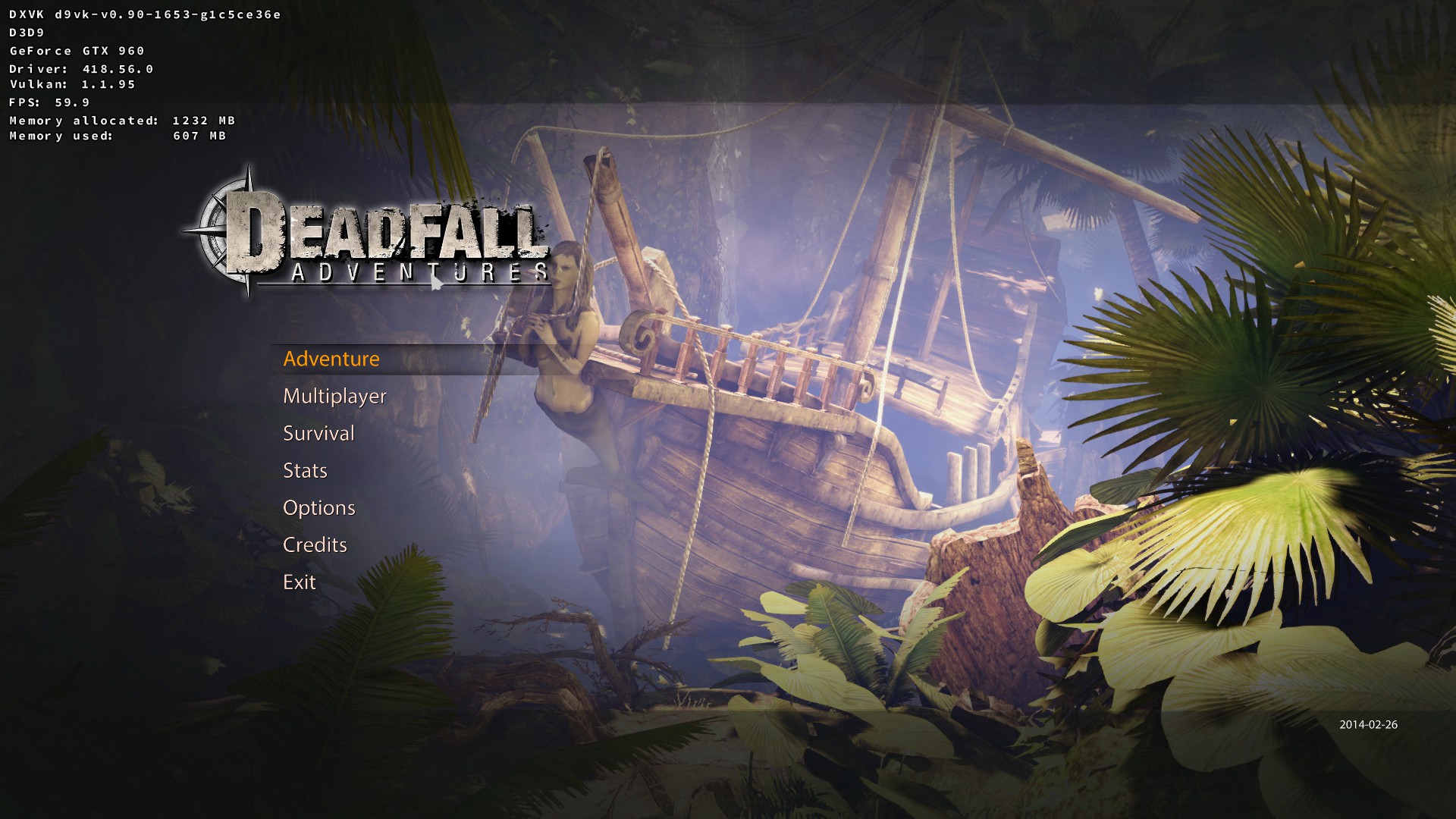
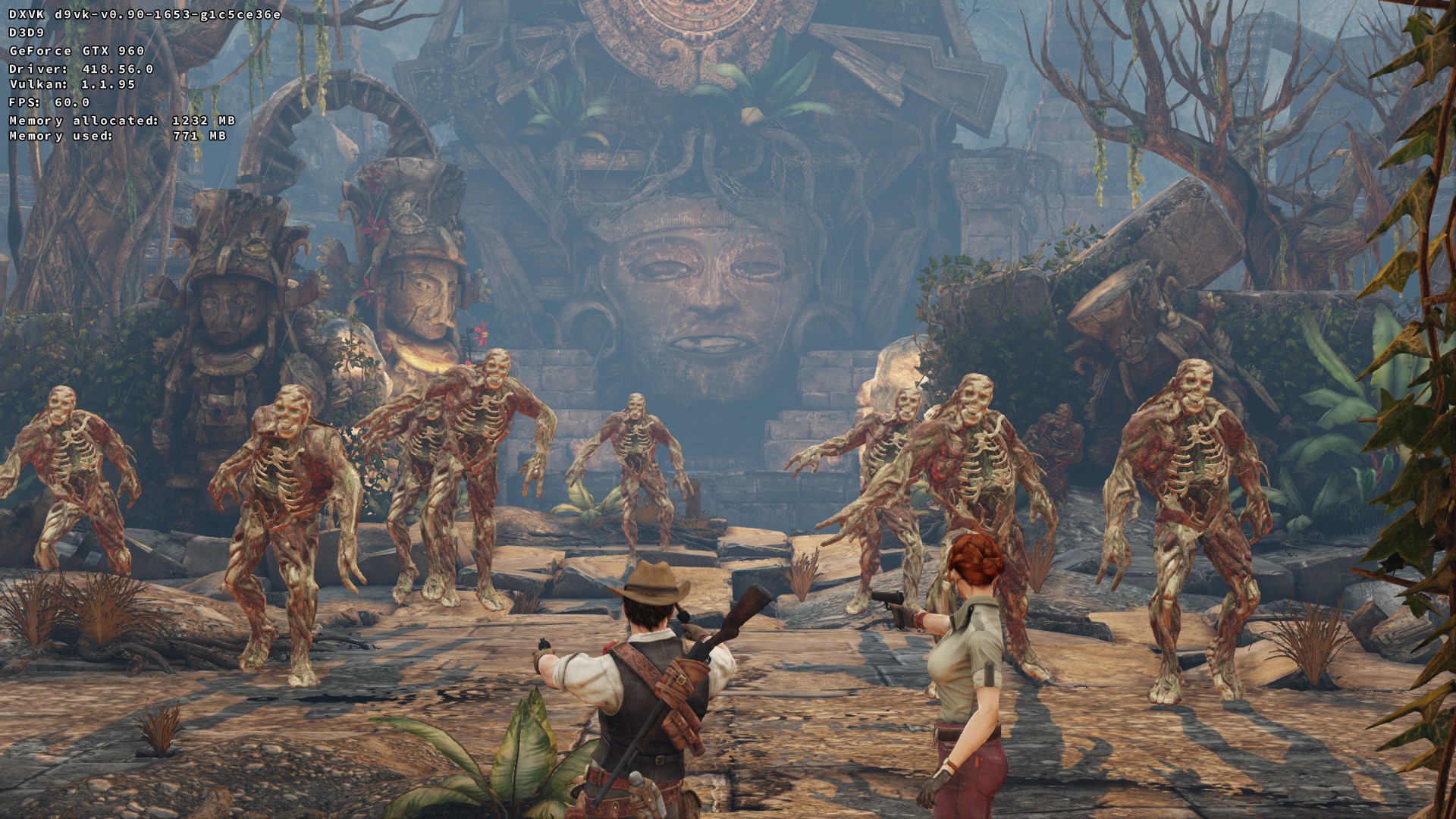
Deadfall Adventures via forced PROTON 4.11-1 and D9Vk WORKS WITH MORE PERFORMANCE THAN NATIVE VERSION.


- Linux smashes past 5% on the Steam Survey for the first time
- Wine 11.6 is an exciting release to make modding Windows games on Linux simpler
- Heretic II has a new reverse-engineered source port
- French consumer group UFC-Que Choisir sues Ubisoft over The Crew shutdown
- Lakehopper looks like a wonderful casual seaplane flight simulator
- > See more over 30 days here
 How to setup OpenMW for modern Morrowind on Linux / SteamOS and Steam Deck
 How to install Hollow Knight: Silksong mods on Linux, SteamOS and Steam Deck
- The Great Android lockdown of 2026.
- tmtvl - New Desktop Screenshot Thread
- Hamish - Away all of next week
- Xpander - What Multiplayer Shooters are yall playing?
- Liam Dawe - Proton/Wine Games Locking Up
- Caldathras - See more posts
Source: i.imgur.com
View cookie preferences.
Accept & Show Accept All & Don't show this again Direct Link