 Support us on Patreon
 PayPal
Latest Comments by Comandante Ñoñardo
Steam Play Proton 4.11 released, a pretty huge release pulling in D9VK and a replacement for esync
1 Aug 2019 at 1:23 am UTC
1 Aug 2019 at 1:23 am UTC
Murdered Soul Suspect in DX11 still crash when entering the cemetery.
In DX9 mode, the game works perfect with d9vk... and with 60fps, unlike the dx11 mode that is capped at 30fps.
In DX9 mode, the game works perfect with d9vk... and with 60fps, unlike the dx11 mode that is capped at 30fps.
Steam Play Proton 4.11 released, a pretty huge release pulling in D9VK and a replacement for esync
31 Jul 2019 at 7:53 pm UTC Likes: 1
31 Jul 2019 at 7:53 pm UTC Likes: 1
Finally Still Life 2 can be played on Linux via PROTON 4.11-1 and d9vk...
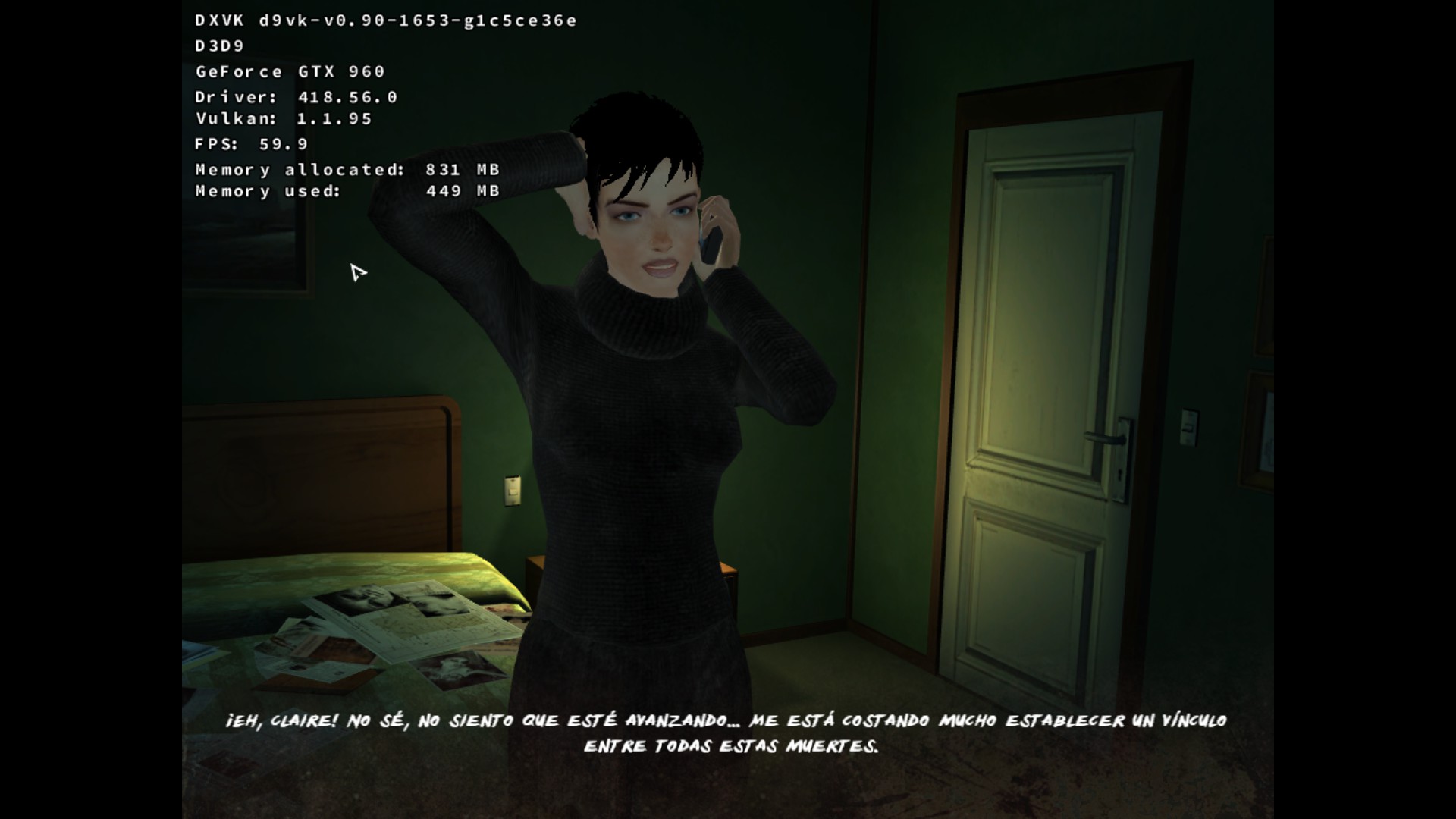

Steam Play Proton 4.11 released, a pretty huge release pulling in D9VK and a replacement for esync
31 Jul 2019 at 7:37 pm UTC
31 Jul 2019 at 7:37 pm UTC
Vsync doesn't work on Call of Juarez: Bound in Blood, but the game itself works out of the box.
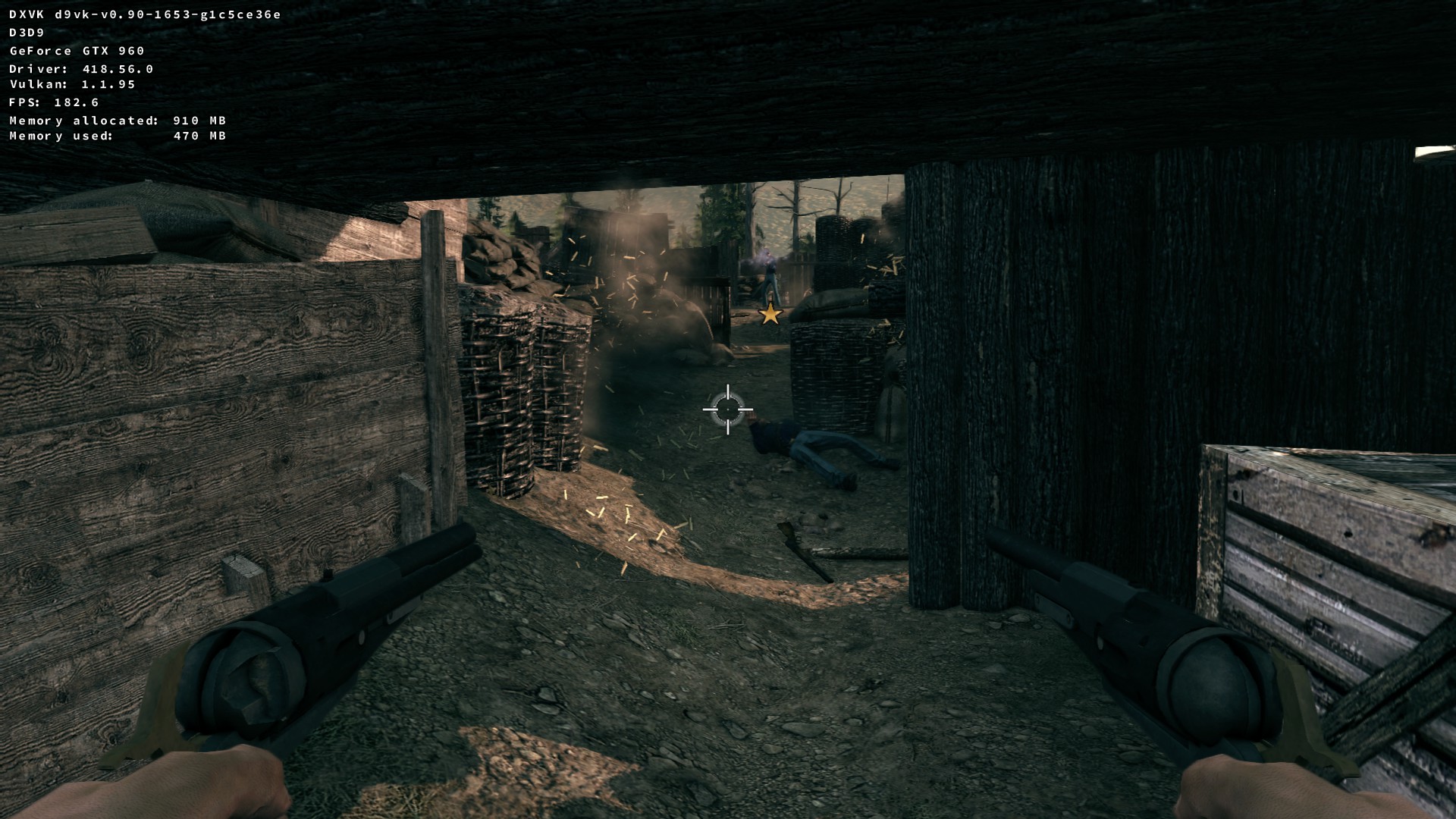

Steam Play Proton 4.11 released, a pretty huge release pulling in D9VK and a replacement for esync
31 Jul 2019 at 4:32 pm UTC
31 Jul 2019 at 4:32 pm UTC
There is a way to enable D9VK globally (at least, this works for me):
Go to the PROTON 4.11 folder and open the file "proton"..
Go to this line:
And add "d3d9" to that line as shown in the pic.
Before trying to run a game with this Proton version, make sure to delete the game shader cache that is located inside ..../steamapps/shadercache
Here, Life is Strange via forced PROTON 4.11 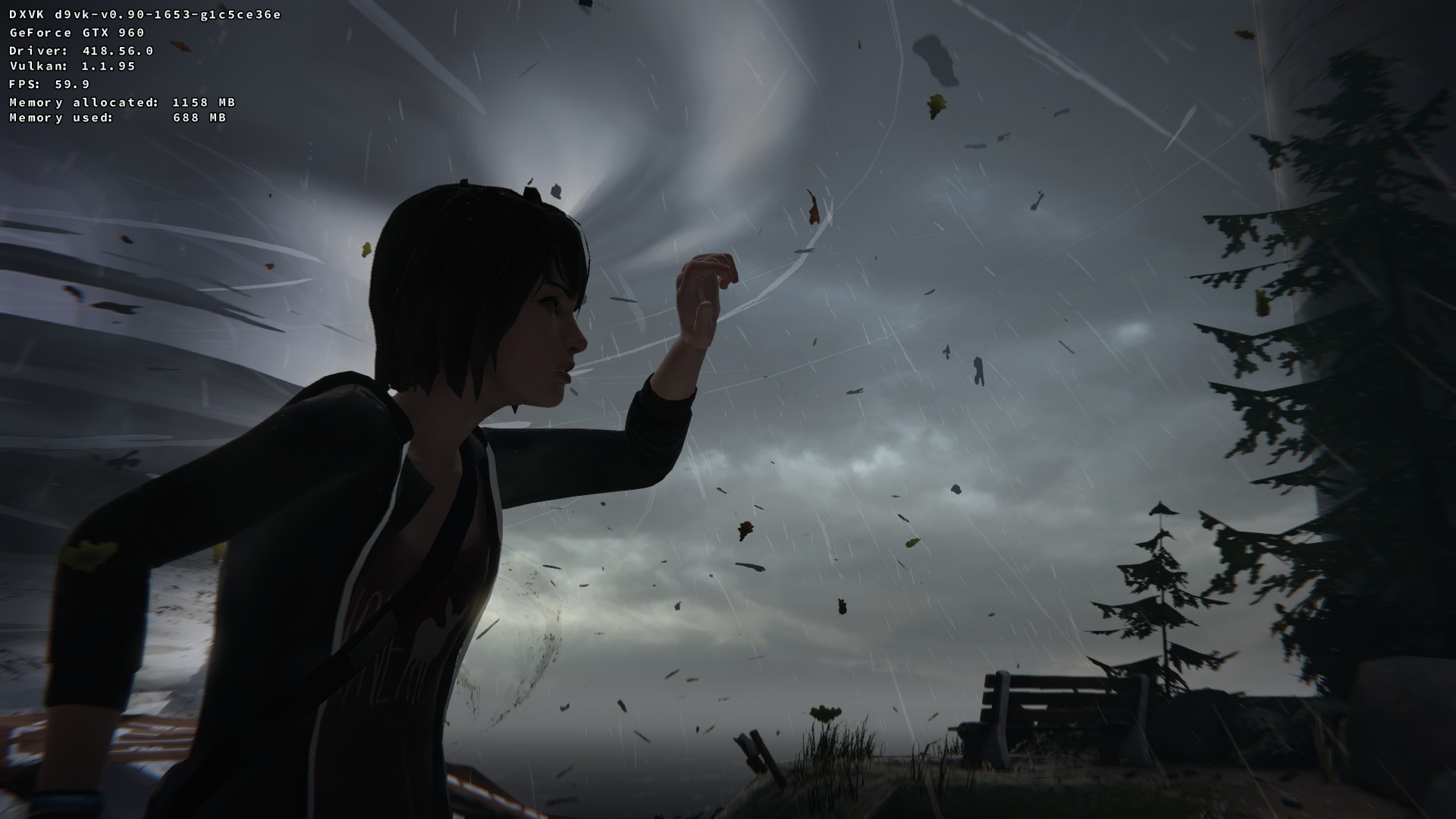
Go to the PROTON 4.11 folder and open the file "proton"..
Go to this line:
dxvkfiles = ["d3d11", "d3d10", "d3d10core", "d3d10_1", "dxgi"]And add "d3d9" to that line as shown in the pic.
Before trying to run a game with this Proton version, make sure to delete the game shader cache that is located inside ..../steamapps/shadercache
Here, Life is Strange via forced PROTON 4.11 
NVIDIA have three new Linux driver releases out today
29 Jul 2019 at 9:27 pm UTC
29 Jul 2019 at 9:27 pm UTC
I wonder when and if this driver will be available for Ubuntu 16.04.6...
Steam's top releases of May show why Steam Play is needed for Linux
20 Jul 2019 at 5:09 am UTC
20 Jul 2019 at 5:09 am UTC
I'm glad to notify that Earthfall WORKS AGAIN with this workaround [External Link].
Go to your Steam Library
Right Click on Earthfall
Click "Properties"
Select "Betas" tab
Choose from the drop down menu: "classic - last UE 4.16 build"
"Close" and wait for the game to install
Ready for another beautiful hidden object puzzler? Queen's Quest 5: Symphony of Death is out
19 Jul 2019 at 1:50 am UTC
19 Jul 2019 at 1:50 am UTC
I don't buy Artifex Mundi games anymore because they don't want to translate their games to the Spanish language...
Time ago, their games were available in spanish, but not anymore.
Time ago, their games were available in spanish, but not anymore.
Ubuntu LTS releases (and so derivatives too) to get updated NVIDIA drivers without PPAs
12 Jul 2019 at 6:21 pm UTC Likes: 2
12 Jul 2019 at 6:21 pm UTC Likes: 2
Finally!
by the way, the latest driver, the 430.26, via PPA doesn't work on my 16.04LTS
by the way, the latest driver, the 430.26, via PPA doesn't work on my 16.04LTS
Steam's top releases of May show why Steam Play is needed for Linux
10 Jul 2019 at 3:43 am UTC Likes: 1
10 Jul 2019 at 3:43 am UTC Likes: 1
I just experienced the bad side of SteamPlay:
Earthfall was working Out of The box, ready for to be whitelisted, but after the last game update, it doesn't work anymore due to some UE4 fatal error.. The game just crash.
Obviously, I will not get support from the game devs, so the solution (if it is any) must come from Proton Devs.
I think the only Steamplay games supported by Valve are the games in the white list.
Earthfall was working Out of The box, ready for to be whitelisted, but after the last game update, it doesn't work anymore due to some UE4 fatal error.. The game just crash.
Obviously, I will not get support from the game devs, so the solution (if it is any) must come from Proton Devs.
I think the only Steamplay games supported by Valve are the games in the white list.
NVIDIA releases the GeForce RTX 2060 and 2070 "SUPER" GPUs, along with a new Linux driver
9 Jul 2019 at 5:45 pm UTC Likes: 4
9 Jul 2019 at 5:45 pm UTC Likes: 4
The RTX 2060 SUPER should be called RTX 2060ti...
- Linux smashes past 5% on the Steam Survey for the first time
- Wine 11.6 is an exciting release to make modding Windows games on Linux simpler
- Heretic II has a new reverse-engineered source port
- French consumer group UFC-Que Choisir sues Ubisoft over The Crew shutdown
- Lakehopper looks like a wonderful casual seaplane flight simulator
- > See more over 30 days here
 How to setup OpenMW for modern Morrowind on Linux / SteamOS and Steam Deck
 How to install Hollow Knight: Silksong mods on Linux, SteamOS and Steam Deck
- The Great Android lockdown of 2026.
- tmtvl - New Desktop Screenshot Thread
- Hamish - Away all of next week
- Xpander - What Multiplayer Shooters are yall playing?
- Liam Dawe - Proton/Wine Games Locking Up
- Caldathras - See more posts
Source: i.imgur.com
View cookie preferences.
Accept & Show Accept All & Don't show this again Direct Link