The Linux Mint team have a new blog post up detailing their new screensaver, which is the last major point for full Wayland support with the Cinnamon desktop.
Originally, there was a dedicated screensaver program which ran as a separate process. That didn't work with Wayland, and the transition between screensaver and desktop wasn't very smooth. It was also really complex to maintain. So with the new one it's built with Cinnamon itself handling it - so everything is modern and smooth.
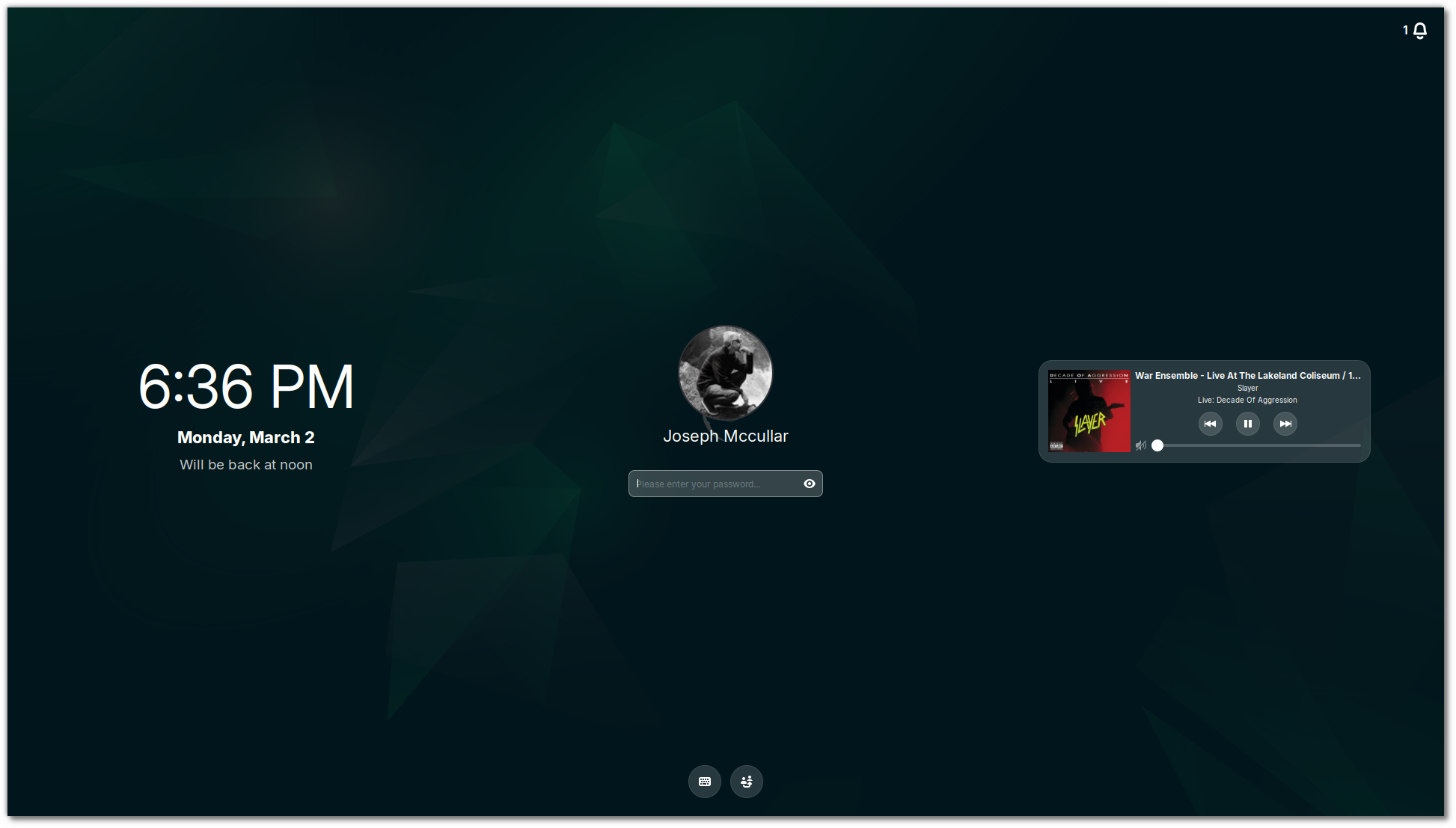
Pictured - the upcoming screensaver lock screen
Sounds like some of it was quite complex, and they touch on an issue I've seen with other screensavers / lock screens on other desktop environments where the desktop will briefly flash before showing the lock screen. As they note, it's a bit of a privacy issue and just doesn't look good. Thankfully, that is solved with the new one too.
Their current plan is for the next Linux Mint release to use it, but have the old one as a backup and the release after will remove the old one.
Right now though, the Mint team still don't seem entirely sold on setting Wayland as the default just yet but the next Cinnamon release will have full compatibility.
Additionally, the newer System Reports tool also gained a page dedicated to system sensors. Which they say can be useful for fan speed and temperatures, along with troubleshooting power modes, battery lifetime and so on.
Read the full post for more.





See more from me




 You can also find comments for this article on social media:
  Caldathras 5 Mar 2026


 Patreon
 PayPal
 Anticheat check - which competitive games actually work on Linux?
 How to give Valve feedback when Proton games have issues on Linux / SteamOS