This website makes use of cookies to enhance your browsing experience and provide additional functionality -> More infoDeny Cookies - Allow Cookies
Support us on Patreon to keep GamingOnLinux alive. This ensures all of our main content remains free for everyone. Just good, fresh content! Alternatively, you can donate through PayPal. You can also buy games using our partner links for GOG and Humble Store.
Since a lot of people liked the first set of tips and tricks for the Steam Deck, here's a Part 2 with just a few more that some of you might find useful.
Since Valve are ramping up production and a ton more people than expected will get their Steam Deck this year, plus the expansion into Asia, it was a good time to get some basic quick tips and tricks sorted for you.
Do you want to play the classic Diablo RPG? Well, not only does GOG have it and the Hellfire expansion but the Native Linux devilutionX game engine can make it even better. Here's how to get it working on Steam Deck (and Linux desktop!).
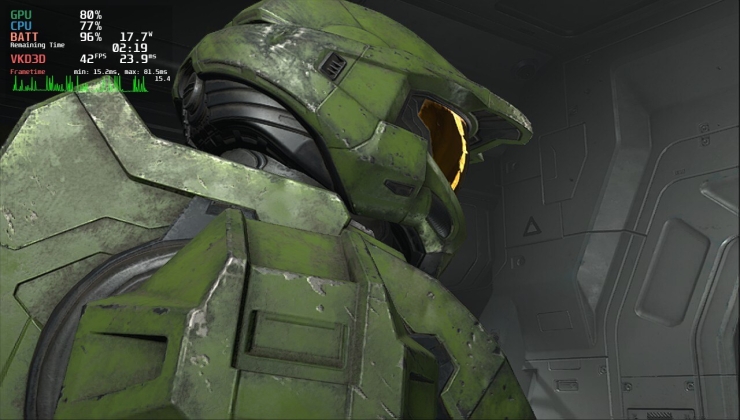
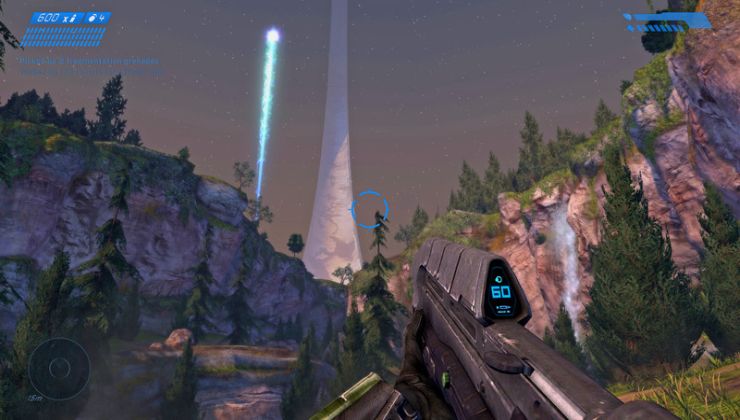
Recently I showed off Halo Infinite running quite nicely online on the Steam Deck and now GE-Proton 7-27 that just went up makes the process even smoother and the campaign and videos now work too.
Among Us works quite nicely on the Steam Deck but what about if you want to get some mods going? It's actually surprisingly easy to do so here's how to do it.
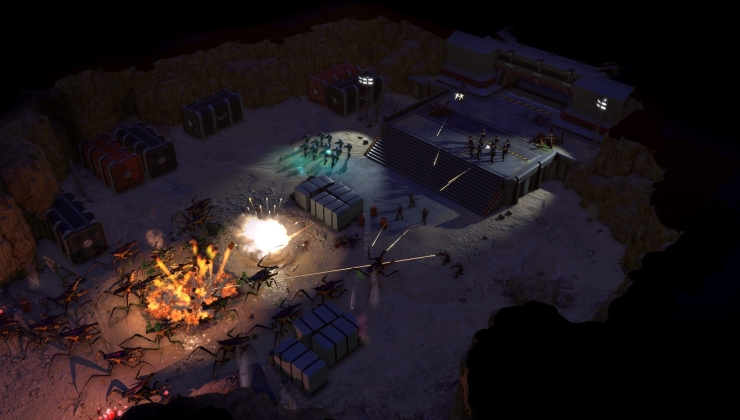
Starship Troopers: Terran Command just released from The Artistocrats and Slitherine Ltd. but getting it on running on Linux desktop or Steam Deck requires a few steps.
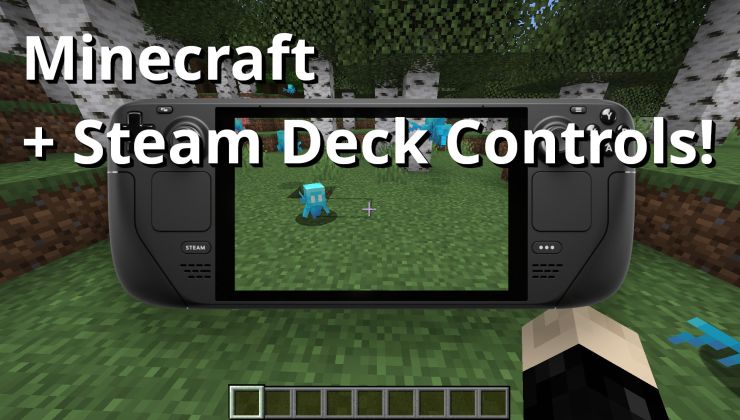
Want to get a better Minecraft experience on Steam Deck or with Gamepads as a whole? Thanks to a new mod, it's easily possibly with the latest versions of Minecraft.
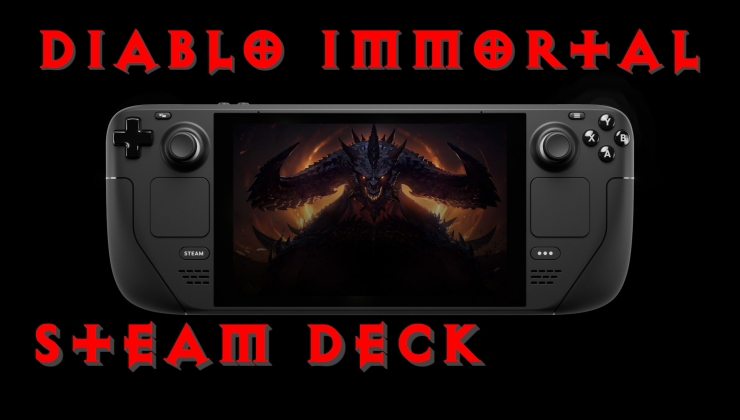
Since Diablo Immortal is the hot new thing, I decided to attempt to give it a go on Steam Deck. Turns out the Battle.net launcher really hates some connections, here's a fix and a Diablo Immortal video.
Want to get some higher quality screenshots of all the awesome moments in gaming on the Steam Deck (or any Linux desktop?). Here's a quick-tip guide on what to do.
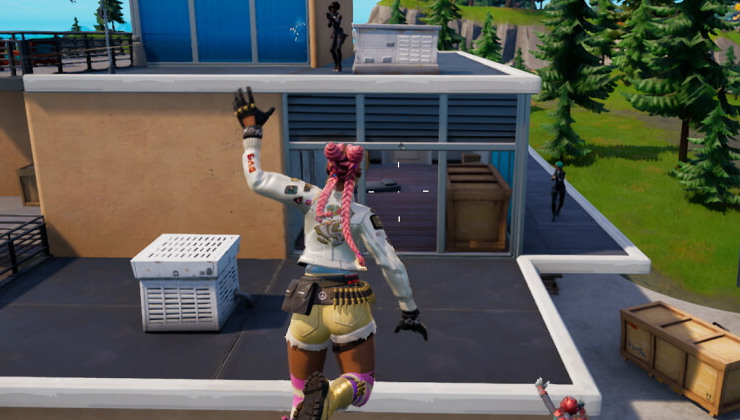
Microsoft has today announced that the massive free to play game Fortnite is now on Xbox Cloud Gaming, this makes it easier than ever to play it on Linux and Steam Deck.
Bugsnax, originally a console exclusive for PlayStation and an Epic Exclusive on PC, was just released on Steam. Thankfully it works well on Steam Deck but on Linux desktops you need a small adjustment.
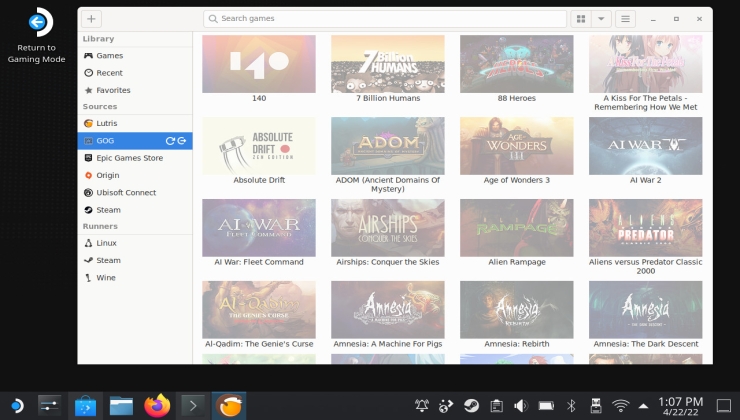
While it's not quite ready just yet to be a one-click install, the game manager Lutris is at least now available with various improvements as a Flatpak Beta.
With a recent update to the Halo: The Master Chief Collection, Xbox Game Studios included the needed Easy Anti-Cheat file for Linux / Steam Deck to work online but they broke it in the process for some.
While this may be something Linux users are used to, players new to the Steam Deck should be aware of how to catch issues for Valve to hopefully fix up Proton.
LEGO Star Wars: The Skywalker Saga has rolled out today, and thankfully for fans of these LEGO games you can get it working on Steam Deck and Linux thanks to Proton.
Good news Cloud Gaming fans, the version of Chrome on Steam Deck can now detect the gamepad. With two small quick fixes, you can play GeForce NOW on Steam Deck.